
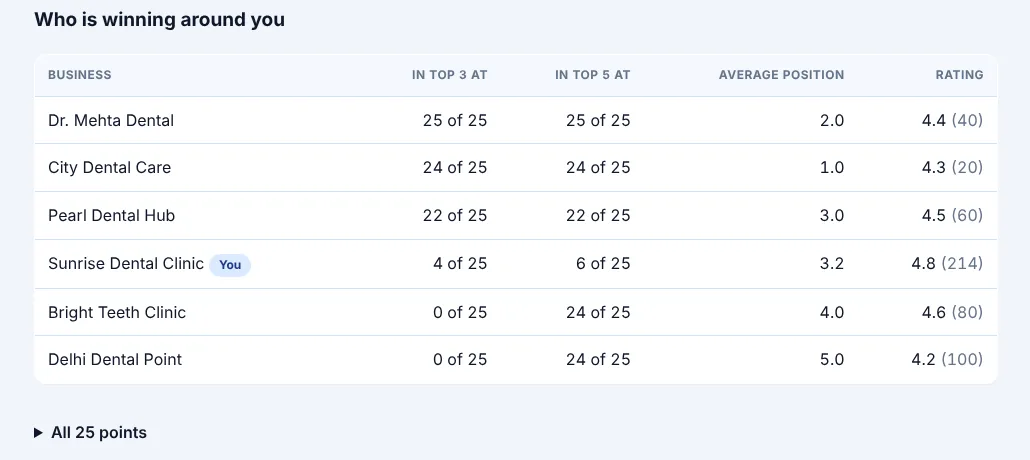
Every Google Maps ranking check is a real search, and each one uses up credits. Here is how GBP Manager counts them, in plain numbers.
What a ranking check costs
One search from one point on the map is called a pin, and one pin costs one credit. A map is a grid of pins, so the bigger the map, the more credits a check uses.
- 3 × 3 map: 9 pins, 9 credits
- 5 × 5 map: 25 pins, 25 credits
- 7 × 7 map: 49 pins, 49 credits
- 9 × 9 map: 81 pins, 81 credits
- 11 × 11 map: 121 pins, 121 credits
- 13 × 13 map: 169 pins, 169 credits
The app tells you how many credits a check will use before you start it. If a pin cannot be read, its credit is given back.
What is free
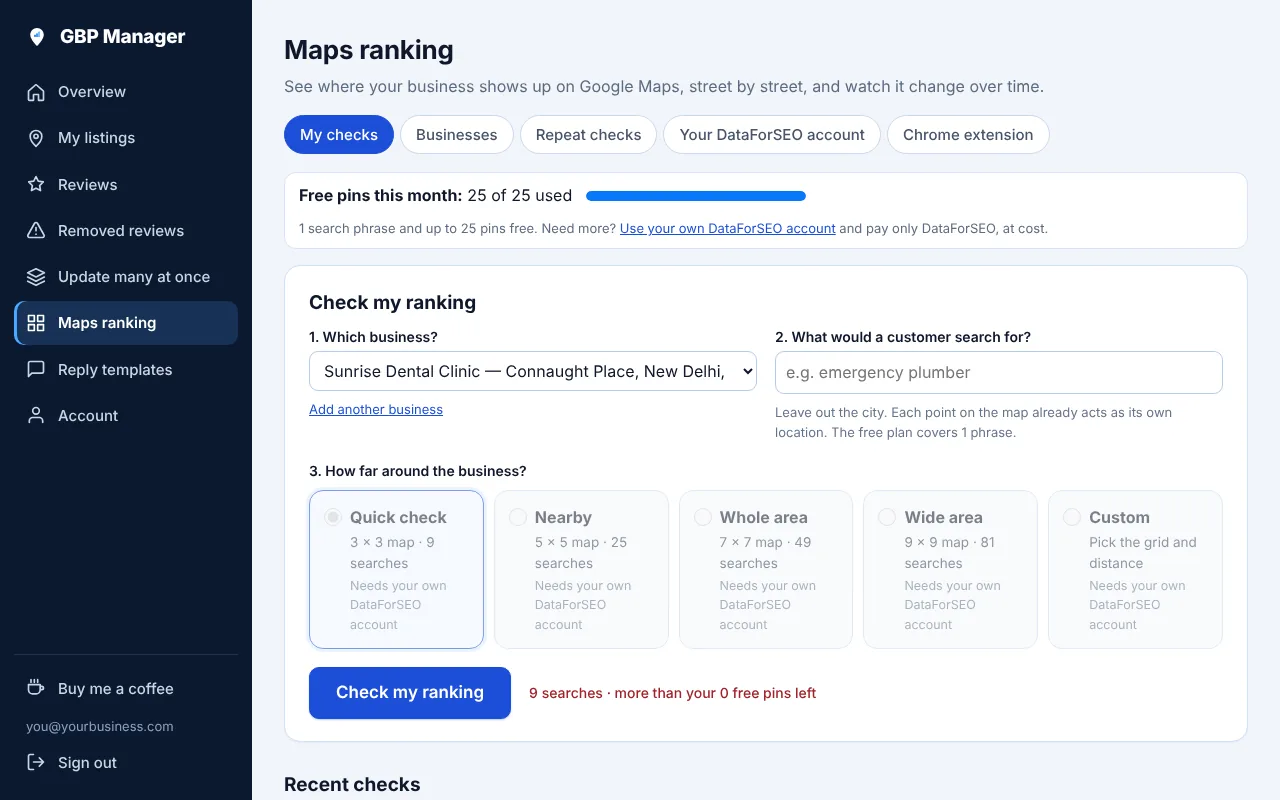
Every account gets a free monthly allowance of 25 credits, enough for one 5 × 5 check of one search phrase. No card is needed.
Credits on each plan
- Free: 25 credits a month (one 5 × 5 check), 1 search phrase
- Starter: 300 credits a month (12 checks of 5 × 5), 3 search phrases
- Professional: 1,500 credits a month (60 checks of 5 × 5), 10 search phrases
- Agency: 6,000 credits a month (240 checks of 5 × 5), 30 search phrases
Plan credits renew every month. The plan also decides which weekly or daily repeat checks you can schedule.
Need more credits?
You can buy extra credits at any time, on any plan: $5 for 1,000 credits, or any amount from $3. Bought credits never expire, and they are used after your monthly plan credits run out.
Which should I choose?
Stay on the free plan if you only want to see how you rank now and then. One 5 × 5 check a month is enough to learn a lot about your area.
Choose a paid plan if you track several phrases, look after several businesses, or want repeat checks to see how your work shows up on the map. Buy credits on top if you need an occasional bigger map.