
Quick answer: The local pack (also called the map pack or 3-pack) is the block of a map and about three local businesses that Google shows for searches with local intent, such as "plumber near me". To get in, be relevant (right categories and content), be close to the searcher, and be prominent (reviews, links, citations).
What it looks like
For a local search, Google may show a map with a small list of businesses (often three), each with name, rating, hours and buttons to call or get directions. A link at the bottom (such as "More places") opens the full Maps list. Beneath are the regular organic results, and paid ads may appear above.
The layout changes from time to time and varies by device and country, so what you see may differ.
When it shows
The pack appears when Google decides a search has local intent. That includes:
- Searches with "near me" or a place name ("dentist in Bath").
- Service searches where people usually want a nearby business ("emergency plumber").
- Searches on a phone, where location is known.
Informational searches ("how does a boiler work") usually do not show it.
Pack vs Maps vs organic
- Pack: the three results shown on Search.
- Maps results: the longer list in Google Maps. Positions can differ.
- Organic results: website listings. Your site can rank here too.
You can appear in more than one, which is why a good website and profile together are useful. See how to rank higher on Google Maps.
How the pack is decided
Google says local ranking is based on relevance, distance and prominence. See relevance, distance and prominence. For a longer list of factors, see map pack ranking factors.
What to do
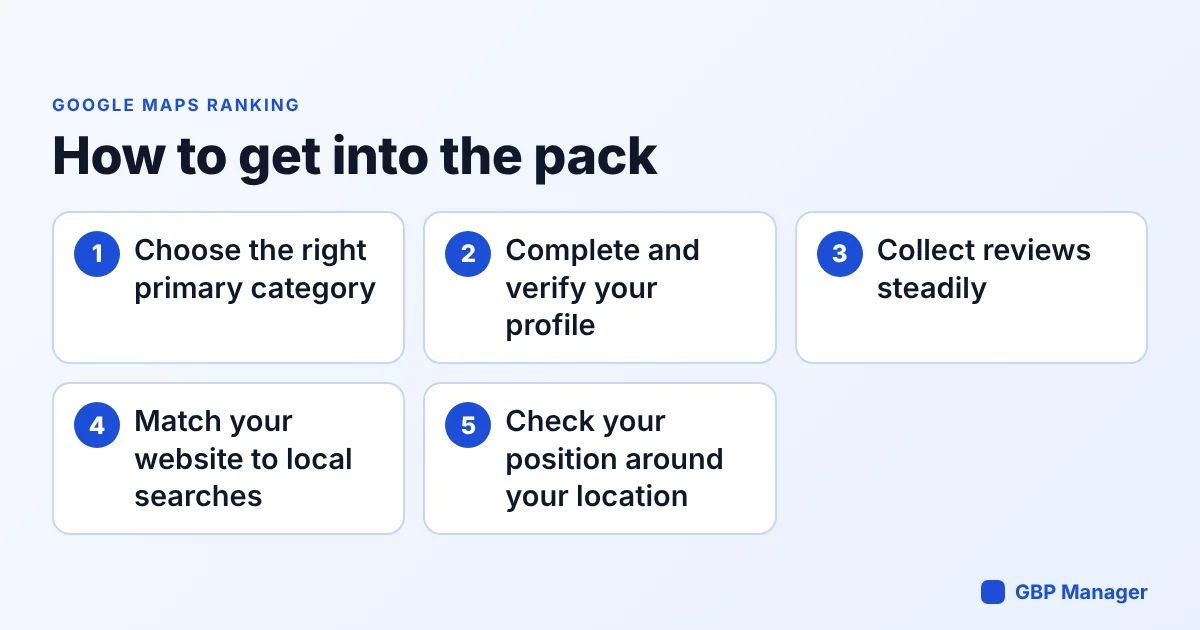
- Choose the best primary category. See categories.
- Fill in every field of your profile. See the optimization checklist.
- Collect reviews. See get more reviews.
- Keep name, address and phone consistent. See NAP consistency.
- Build local pages on your website.
- Check where you appear around your location. See check Google Maps ranking.
Why you see yourself but customers do not
Results depend on location. Searching from your office is not what a customer across town sees. Use a grid-based check, not one search at your desk. See free local rank checker.
Common mistakes
- Checking rank once from your own phone.
- Ignoring the pack and only chasing organic results.
- Changing many things at once.
- Expecting to be in the top three everywhere.
Quick answers
Is the pack always three? Often, but it can vary.
Do ads appear in the pack? Local ads may appear near it; they are separate from organic local results.
Can I pay to be in it? Not in the organic pack. See Local Services Ads vs profile.
Does it change by time of day? It can, with open status and demand.
Try it
See your top-3 coverage across a map in GBP Manager.