
Quick answer: Your Google Business Profile is free and earns organic placement in Maps and the local pack. Local Services Ads (LSA) are paid: you pay per lead, your business appears in a block above the local results, and Google screens eligible businesses. They are separate products, but a strong profile and reviews help both.
LSA is available only in certain countries and for certain categories, and rules change, so check Google's current LSA pages for your area.
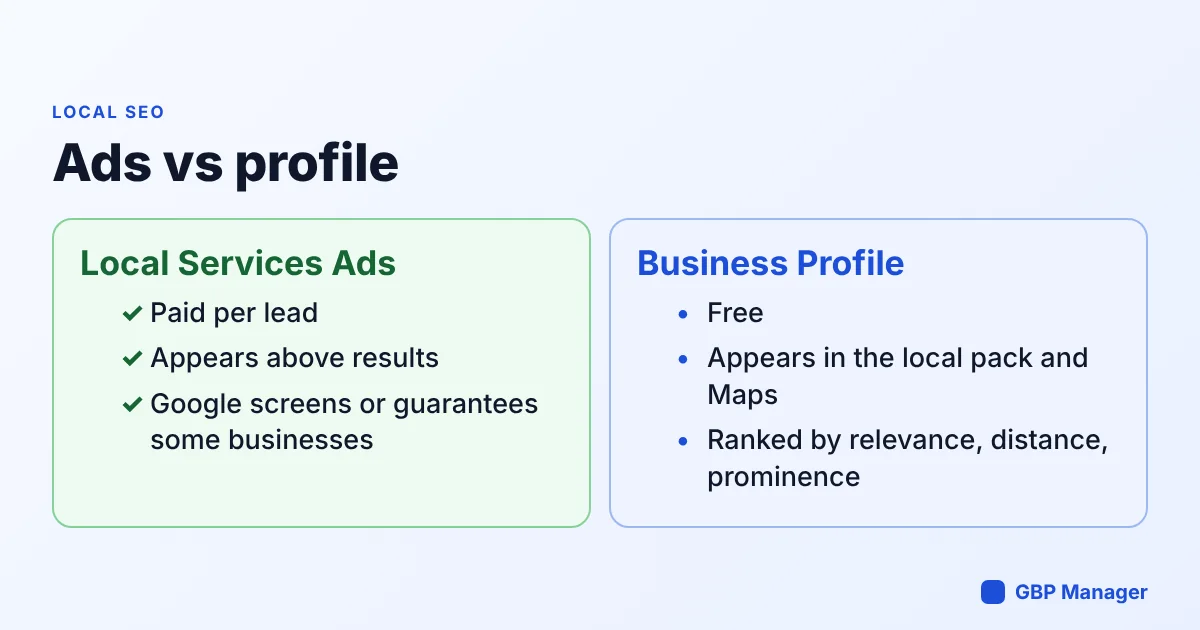
What each is
- Google Business Profile: your free listing. You earn rank.
- Local Services Ads: ads, mostly for service businesses (plumbers, electricians, locksmiths, lawyers and others), where you pay when a customer contacts you, rather than per click.
How they differ
- Cost: profile is free; LSA charges per lead, with price varying by category and area.
- Placement: LSA appears at the top of search results; the profile appears in the local pack and Maps.
- Eligibility: anyone with a real local business can have a profile; LSA needs to pass screening such as background checks, licences and insurance, depending on the category.
- Badge: some LSA businesses get a "Google Guaranteed" or "Google Screened" badge.
- Control: you set a budget and the areas you want leads from.
- Ranking: LSA position depends on factors Google describes, such as proximity, reviews and responsiveness; your Business Profile ranks separately.
How they connect
LSA uses information from your business, and reviews can show in both places. A good rating and quick response help. A messy profile hurts your trust in both places.
Which to choose
- Start with the profile. It is free and it feeds your overall local visibility. See create a profile.
- Add LSA if you are in an eligible category, have capacity to take more jobs and can answer calls quickly.
- Skip ads if your profile has big gaps. Fix it first. See optimization checklist.
Cost control tips for LSA
- Set a weekly budget.
- Mark irrelevant leads as such and request a credit where eligible.
- Answer within minutes, since speed affects leads and ranking.
- Limit service areas to where you can work.
- Track booked jobs, not only leads.
Do ads change organic rank?
Google says ads do not influence organic local ranking. See relevance, distance and prominence.
Common mistakes
- Paying for ads while the profile shows wrong hours.
- Not answering LSA calls.
- Treating reviews on LSA as separate from your profile reviews.
- Judging LSA only by cost per lead.
Quick answers
Can I run both? Yes.
Do I need a Business Profile for LSA? You need a business presence; connect the profile.
Is LSA available everywhere? No.
Do I pay per click? In LSA, you pay per qualifying lead.
Try it
Make the free side strong: check your reviews and rankings in GBP Manager.