
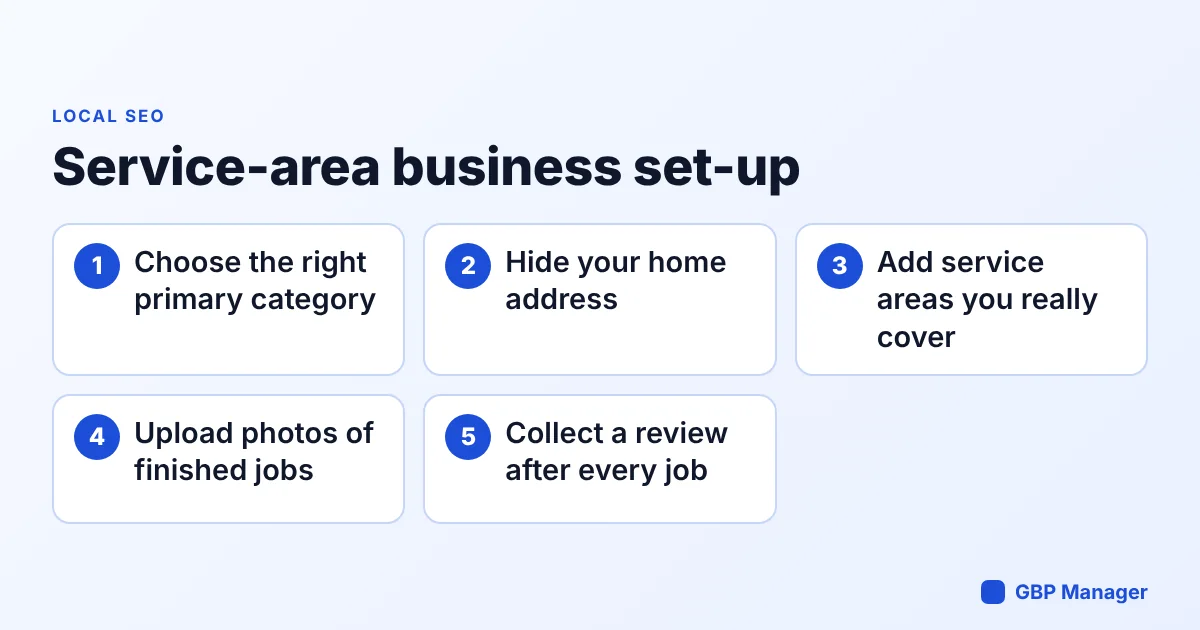
Quick answer: If you travel to customers and do not serve them at your address, create a service-area business profile: hide your address, list the towns or postcodes you cover (a limited number), pick the right category, upload photos of completed work and collect a review after every job. Never use a fake shop address.
Who counts as a service-area business
A business that visits or delivers to customers rather than hosting them: builders, plumbers, electricians, cleaners, landscapers, movers, mobile mechanics. Google allows these to show a service area instead of a pin. If customers also come to a staffed location, you can show the address as well.
Set-up steps
- Create or claim the profile. See create a profile.
- Primary category: the trade that brings most income. Add secondary ones that are real. See categories.
- Address: enter your real address for verification, then choose not to show it.
- Service areas: add the places you serve.
- Hours: the hours you actually answer calls and take jobs.
- Phone: a number that a person answers.
Choosing service areas
- Add the towns, districts or postcodes where you will really work.
- Google limits how many areas you can add, so choose carefully.
- Avoid a whole state or country. It does not make you rank everywhere.
- Your ranking is strongest near your real base, because distance is a factor. See relevance, distance and prominence.
- To grow in other towns, build pages on your website for those towns and earn reviews from customers there.
Photos that win jobs
- Before and after shots.
- Your branded vehicle and team in uniform.
- Tools and certifications.
- Close-ups of finished work.
- Short videos of jobs.
Check the permission of customers whose homes or faces appear. See photo guidelines.
Reviews
Send the review link right after payment, while the customer is happy. Ask them to mention the job type and area ("rewired our kitchen in Bristol"). See get more reviews.
Verification for service-area businesses
Google may ask for video verification. Film your vehicle, branded items, tools and a clip showing the location of operation. See verification help.
Keep out of trouble
- Do not use a virtual office or someone else's address. See virtual office addresses.
- Do not create several profiles for one business in different towns.
- Do not stuff the business name with services.
- If you are suspended, see suspended profiles.
Common mistakes
- Showing a home address on a family street, then getting unwanted visitors.
- Listing 50 service areas.
- Leaving hours at 24/7 when you do not answer at night.
- No photos of work.
Quick answers
Can I rank outside my service area? Slowly, with local content and reviews.
Will hiding my address hurt? Not by itself.
Do I need a van? Not required, but helps with video verification.
Can I be both service-area and storefront? Yes, if both are true.
Try it
Check your position across your service area with a grid in GBP Manager.