
Quick answer: Go to business.google.com, sign in with a Google Account, enter your business name, choose a category, add a location or service area, add contact details, and verify. It is free and usually takes about 15 minutes, plus the time verification takes. You do not need a shop front. A business that travels to customers can hide its address and list a service area instead.
Before you start: what to prepare
Having these ready saves you from stopping halfway:
- The business name exactly as it appears on your sign, invoices and website.
- A primary category (the one that best describes what you are, not everything you do).
- A phone number customers can reach during your listed hours.
- A website or social page, if you have one.
- Your address, or the list of areas you serve if you travel to customers.
- Opening hours.
- A few real photos: the front of the premises, inside, your team, your work.
Use a Google Account that the business controls (not a former employee's). If it is a shared work account, you will not lose access when someone leaves.
Step by step
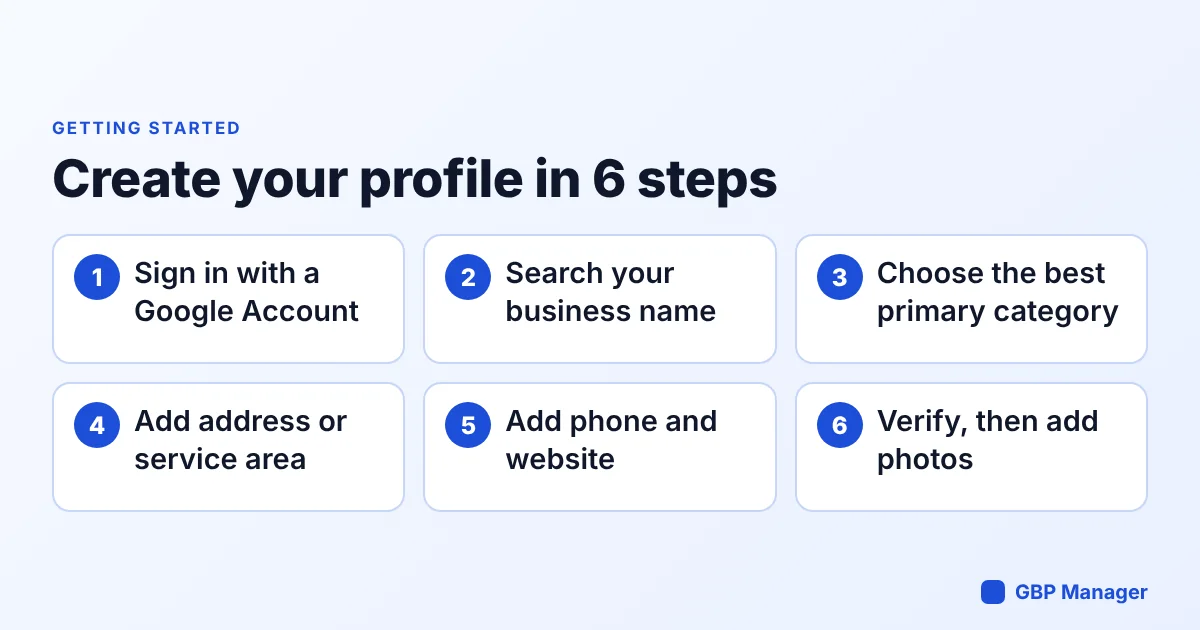
- Open business.google.com and choose to add or create your business profile. Sign in.
- Check it does not already exist. Type your business name. If a listing already appears, you probably want to claim it instead of making a second one. Duplicates cause problems, see duplicate profiles.
- Enter the exact business name. Do not add keywords or a town name unless it is genuinely part of the name. Google can suspend profiles that stuff the name.
- Pick your primary category. Start typing and choose from Google's list. This is one of the strongest signals for what you rank for. See how to choose categories.
- Decide: location, service area, or both.
- If customers visit you at a staffed address, add the address.
- If you only go to customers, choose that you do not serve customers at your location, and add service areas.
- If you do both (a shop that also delivers), add the address and your service areas.
- Add your phone and website.
- Choose a verification method when Google offers one. Methods vary by business. They can include a phone call or text, an email, a video recording, or a postcard to the address.
- Complete the profile after verifying. Add hours, a description, services, attributes and photos.
With no street address
A business without a public address can still have a profile if it meets Google's rule that it makes in-person contact with customers during stated hours. Plumbers, cleaners and mobile mechanics qualify as service-area businesses. In that case:
- Hide your home address when asked (you still enter it for verification).
- Add the towns or postcode areas you really cover. Google lets you add a limited number of areas, and a tight radius works better than a whole state.
- Your listing will show your service area instead of a pin.
Do not rent a mailbox or use a friend's address to look like a shop. That is the fastest route to a suspension. Read virtual office addresses first.
Verification: what to expect
Google decides which methods you get. Some businesses verify in minutes, others need a video showing the premises, signage and tools. Tips:
- Film one continuous clip: the street, the entrance, the sign, then inside. For a service-area business, show your vehicle, equipment and proof you operate.
- If a postcard is offered, do not change the name or address while waiting. The code can stop working.
- If verification keeps failing, see suspended profiles and verification help.
After you are live: the first week
- Add 10 or more real photos. See photo guidelines.
- Fill every service and attribute that applies.
- Send your review link to recent happy customers.
- Add the profile to GBP Manager so reviews and ranking sit in one place.
Common mistakes
- Choosing a category because it sounds bigger, not because it fits.
- Listing a service area covering a whole country.
- Making a second profile for the same business.
- Using a call tracking number as the main phone without adding the real number as secondary.
Quick answers
Is it free? Yes.
Can I create one without a website? Yes. Google can also offer a simple site, and a social page works as a link.
How long until it shows on Google? Often within hours of verifying, but it can take a few days.
Can I create more than one? One per real location. Separate departments or practitioners follow special rules.
Try it
Already live? Connect the profile to GBP Manager and check where you rank on a map.