
Quick answer: Google My Business (GMB) is the old name. In 2021 Google renamed it Google Business Profile (GBP) and moved most editing into Google Search and Google Maps. The standalone GMB app was retired. People still say GMB, and they mean the same listing.
The short history
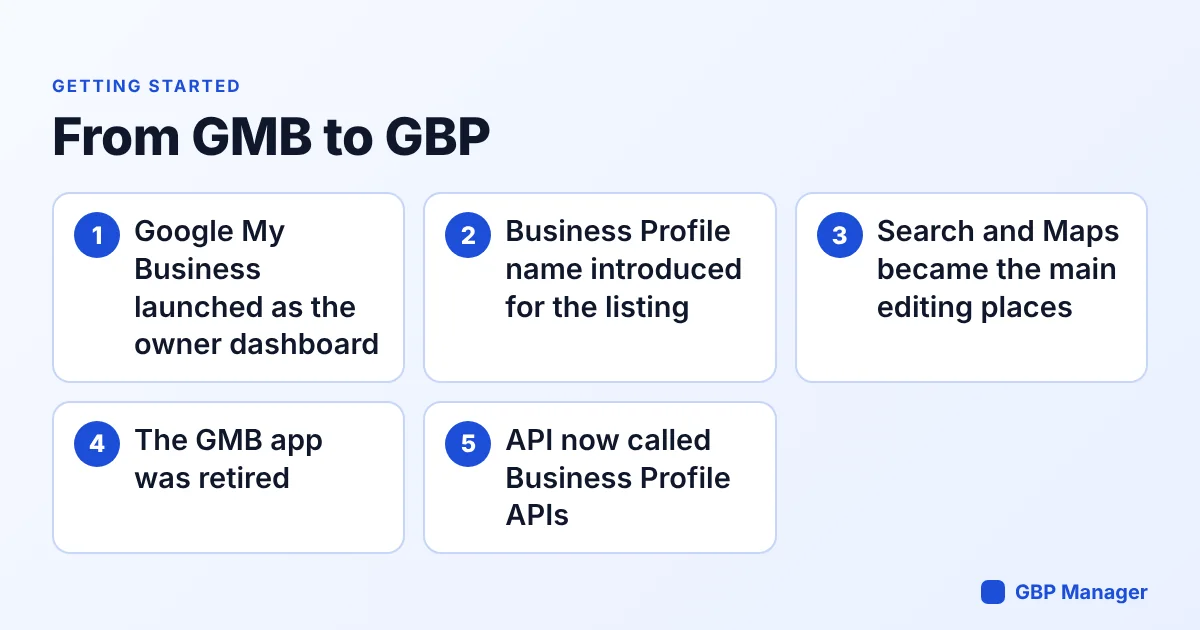
- Google My Business launched as the place where owners managed their listing, with a dashboard and later a mobile app.
- In 2021, Google introduced the name Google Business Profile and started letting owners edit directly from Search and Maps.
- The separate Google My Business app was retired for managing profiles, and Google pointed owners to Search, Maps and the Business Profile Manager.
- The API is now documented as the Business Profile APIs.
Google has changed the interface several times since, and rolls changes out in stages.
What each name means today
- Google Business Profile: the listing customers see, and the product name.
- Business Profile Manager: the dashboard at business.google.com. See Business Profile Manager.
- GMB or "My Business": an informal term many still use for the same thing.
- Google Places or "Maps listing": terms that mix the underlying place data with the profile.
Did anything important change for owners?
- You no longer need a special app: edit from Search, Maps or the manager. See edit business info.
- Some features were added, changed or removed over time (for example, messaging and Q and A have changed). See Q and A changes and updates changelog.
- The rules (guidelines on name, address, categories) remained consistent.
Why people still say GMB
Habit, old articles, and the fact that tools and agencies kept the term. Searching either name leads to the same help pages. There is no need to correct clients; just use "Google Business Profile" in your own materials.
What about "Google Listing" and "Google Maps listing"?
All describe the same thing in everyday speech. For clarity in client work, say "Google Business Profile (formerly Google My Business)".
Practical checklist for old accounts
- Sign in and check you still have access. See login problems.
- Check who the owners are. See users and roles.
- Verify the profile is current.
- Check the API access if you use an integration. See API guide.
Common mistakes
- Searching for the old app that no longer exists.
- Using outdated screenshots from older guides.
- Calling a site's contact page a "GMB".
Quick answers
Is Google My Business still active? The name is retired; the product continues as Google Business Profile.
Is it a different product? No, it is the same listing, renamed and reworked.
Is the app gone? The old standalone app was retired.
Do I need to migrate anything? No.
Try it
Manage your Google Business Profile reviews and rankings together in GBP Manager.