
Quick answer: Most "login problems" are not sign-in problems. You are in the wrong Google Account, or the account has no access to the profile. Check which account you are using, open business.google.com, try a private window, and ask an owner to add you if the profile is missing.
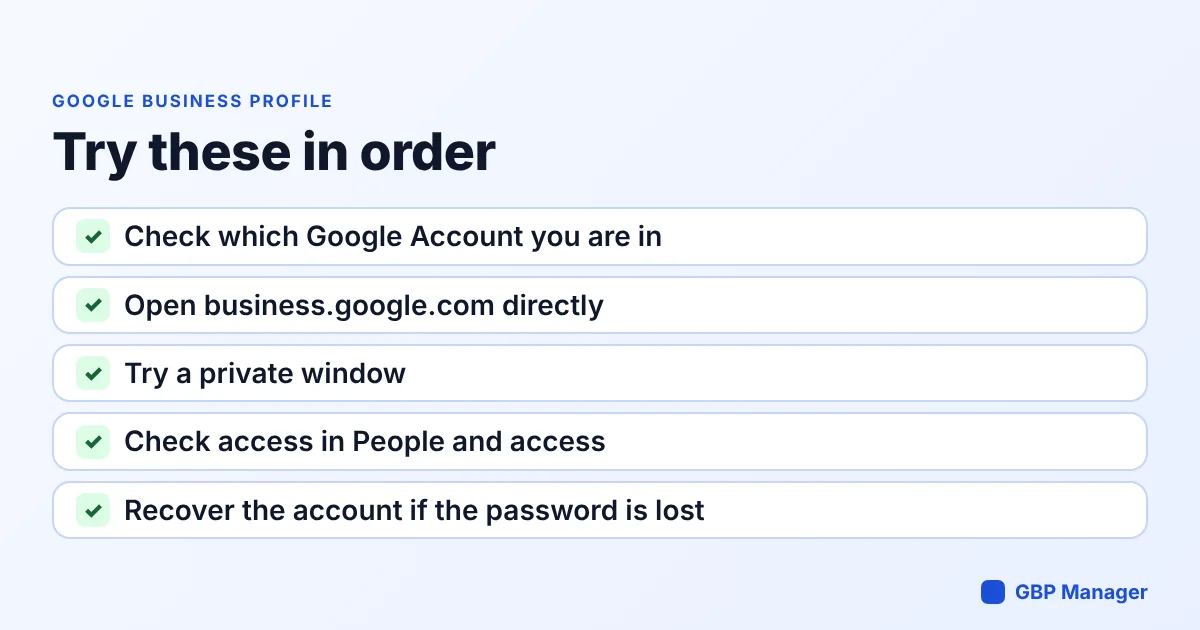
Step 1: check which account you are using
Click your picture in the top right of Google. If you have several accounts, switch between them and look for the one that owns the profile. The owner email may be an old address, a former agency or a personal Gmail.
Step 2: go straight to the manager
Open business.google.com. If your account has profiles, they are listed. If you see "no profiles" or an invitation to create one, the account has no access.
Step 3: browser basics
- Open a private (incognito) window and sign in again.
- Clear cookies for google.com.
- Disable extensions that block scripts, and try another browser.
- Update the browser.
Step 4: check access
If you can sign in but cannot see or edit the listing:
- Ask an owner to open People and access and check your email is there and your role is not pending.
- Accept any invitation in your email.
- If nobody can help, Request access from the listing. See claim a profile.
See users and roles.
Step 5: sign-in errors
- Forgot password: use Google's account recovery.
- 2-step verification prompts that fail: use backup codes, a different method, or recovery steps on the account page.
- Account disabled or locked: follow Google's account support steps. Business Profile support cannot restore an account.
- Work or school account blocked: a Workspace admin may have to enable the service.
- "This account cannot manage that profile": the profile is tied to another account.
Step 6: wrong or lost owner
If the owner left the company, an owner can add you. If no owner is reachable, request access and appeal with proof you run the business. See transfer ownership.
Step 7: if the profile is suspended
Sign-in may work but the profile appears locked. See suspended profiles.
Step 8: contact support
If you did all of the above, contact Business Profile support with screenshots. See contact support.
Prevent the problem
- Keep at least two owners.
- Use a company-controlled account, not a personal one that you will lose.
- Store recovery options up to date.
- Write down which account owns which profile.
Common mistakes
- Creating a new profile because you cannot sign in.
- Asking an agency for your password.
- Using shared logins with no recovery option.
- Ignoring invitation emails in spam.
Quick answers
Can Google reset my profile password? The profile uses your Google Account password.
Can I use a different email? Yes, if it is added as an owner or manager.
Why does it say "no access"? The signed-in account is not listed.
How long does support take? Often a few days.
Try it
Once you are in, connect your profiles to GBP Manager so access is easy to check.