
Quick answer: Google has been replacing the old public Questions and Answers section on listings with an Ask feature that answers customer questions using information from the profile, reviews and the web. Because of that, the best way to answer common questions is to put the facts clearly in your profile (description, services, attributes, hours) and on your website, and reply to reviews that mention them.
Google changes this area from time to time and rolls changes out in stages, so what you see may differ by country and account. Check your own listing.
What the old Q&A was
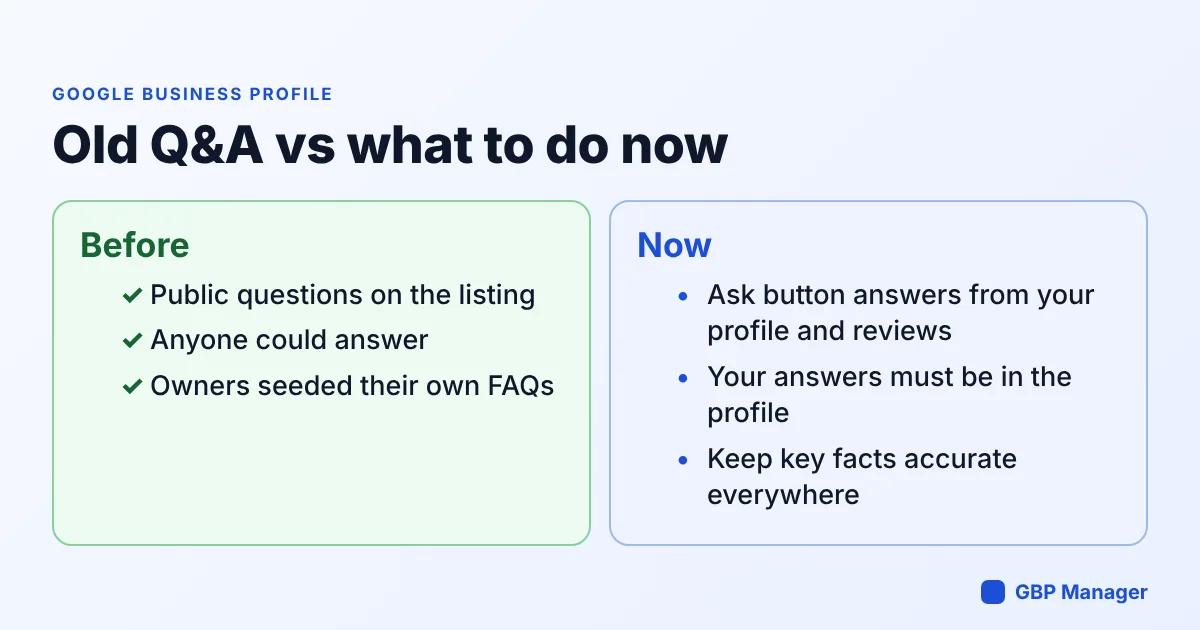
Customers could type a question on your listing, and you or other users could answer. Many businesses wrote their own questions and answers ("Do you offer free parking?") to make a mini FAQ. That is the thing that is going away.
What Ask does
The Ask feature lets a customer type a question and get an answer built from what Google knows about the place: your profile info, review text, photos and sometimes your website. The answer may be wrong if your information is thin or old. So the job changes from writing FAQ entries to making sure the facts are available.
Where to put your FAQ content now
Put each answer where Google and customers can read it:
- Business description. A short plain answer to the three questions you get most. See write a description.
- Attributes. Wheelchair access, Wi-Fi, outdoor seating, online appointments. See attributes.
- Services and products. With short descriptions and prices if you can. See products and services.
- Hours. Correct normal, holiday and special hours. See holiday hours.
- Posts. A timely answer to a seasonal question.
- Your website FAQ page. Clear headings, one question each, linked from your profile website link.
- Review replies. When a customer asks a question in a review, answer politely and fully.
What to do this week
- List your ten most common customer questions (calls, DMs, emails).
- For each, check that the answer exists in the profile or on your website.
- Fill gaps in attributes, services and hours.
- Add a short FAQ page to your site and link it.
- Search for your business name and read what the listing says.
If you still see a Q&A section
Some profiles may still show it for a while. If you do, answer genuine questions quickly, and report spam or fake questions. Do not post fake questions to yourself, since Google can treat that as misleading.
Common mistakes
- Hiding key info in photos only.
- Leaving old holiday hours.
- Contradicting yourself between profile and website.
- Writing marketing copy where a plain answer is needed.
Quick answers
Can I still write FAQs on the profile? Where the Q&A section is gone, no. Use the places above.
Does Ask use my reviews? Google says it draws on profile and review information; wording may change.
Can I turn Ask off? Check the profile settings; Google controls availability.
Will wrong answers hurt me? They can. Keep facts current to reduce errors.
Try it
Keep reviews answered and info current across all locations in GBP Manager.