
Quick answer: Upload JPG or PNG files between 10 KB and 5 MB, at least 720 x 720 pixels. Use a square logo and a wide cover photo, and make them sharp, well lit and real. Photos of the exterior, interior, team, products and work in progress perform best. Avoid stock images, heavy filters, text overlays and collages.
The technical rules
Google publishes these numbers in its help pages. They can change, so check the help page if an upload fails.
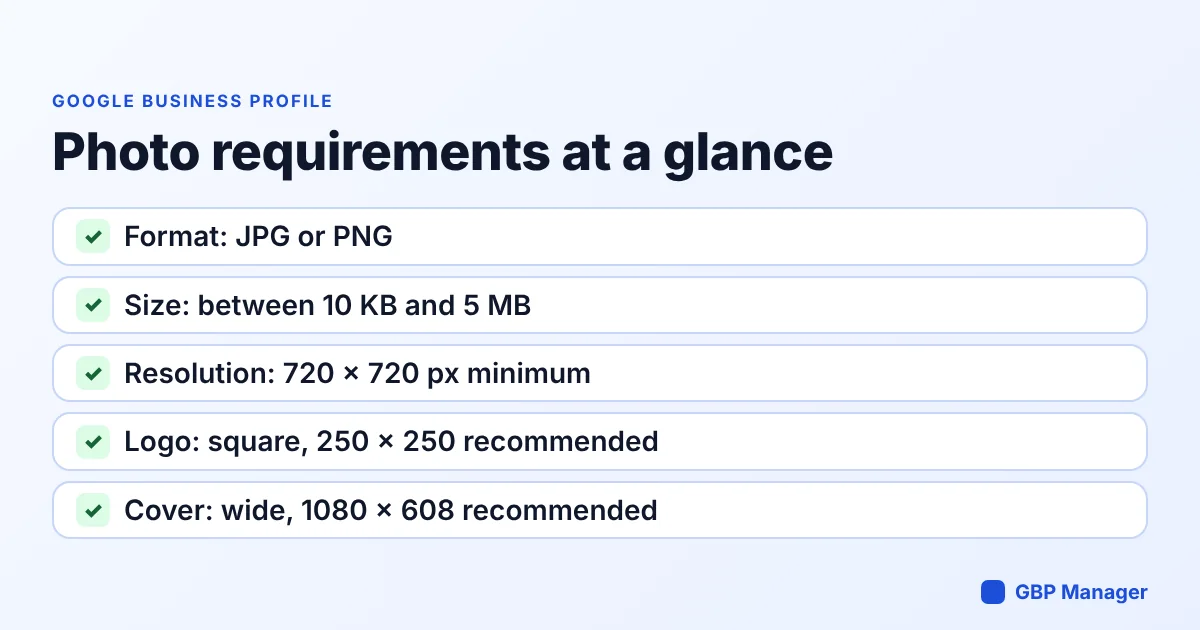
- Formats: JPG or PNG.
- File size: 10 KB to 5 MB.
- Resolution: at least 720 x 720 pixels.
- Quality: in focus, well lit, no heavy editing.
- Logo: square, around 250 x 250 pixels is commonly recommended.
- Cover photo: a wide image, around 1080 x 608 pixels is commonly recommended. Google may crop it.
Keep important parts of the image away from the edges, since cropping varies between phone, desktop and Maps.
What Google says not to upload
- Stock photos.
- Photos with offensive content.
- Images with large promotional text, phone numbers or URLs on top.
- Photos that are not about the business.
- Heavily filtered or manipulated pictures.
Photos that break the rules can be removed or sit in "pending". See photos rejected.
The photo set every profile needs
- Logo. Square, clean background.
- Cover photo. The best single picture of your business.
- Exterior. The front, sign and street view, so people can find you. Take one from each direction.
- Interior. The waiting area, dining room or shop floor.
- Team. Real staff at work, smiling.
- Products or work. Before and after jobs, dishes, finished projects.
- Menu or price list. Where it applies.
How many photos and how often?
There is no official number that guarantees a ranking jump. A practical routine is: 10 to 20 good photos at set-up, then a few new ones every month. Fresh photos signal an active business and give customers new reasons to call. We discuss ranking claims honestly in do photos help ranking.
Photos from customers
Customers can add photos too. You cannot delete them, but you can report ones that break the rules. See Google Business Profile optimization checklist.
Tips for better pictures
- Use natural light and clean the area first.
- Take photos horizontally unless it is a product.
- Name your files clearly before you upload (for your own organization).
- Show your real prices, rooms, tools and people.
Quick answers
Can I upload WEBP? Google's guide lists JPG and PNG. Convert first.
Do I need to geotag? No. See photos and ranking.
Can I add videos? Yes. See add videos.
Why is my cover photo cropped? Google picks the display crop. Centre the subject.
Try it
Manage photos for several profiles from one place with GBP Manager and see which locations are missing the basics.