
Quick answer: A photo is usually rejected because it breaks Google's content rules (stock images, text overlays, low quality, wrong subject) or the technical rules (format, size). Pending photos normally clear within a day or two. Fix the cause, re-upload a clean original, and if you still believe it is right, request a review through support.
Pending versus rejected
- Pending: the photo is waiting for automatic or manual review. It may show only to you for a while.
- Rejected or removed: Google decided it breaks a policy, and it will not appear publicly.
Most pending photos appear within a few hours to a couple of days. If it has been more than a week, re-upload.
The common reasons
- Wrong subject. A picture that does not show your business, products or premises.
- Stock or found images. Pictures taken from the internet or a stock library.
- Text, logos or promotions overlaid. Phone numbers, discount banners and collage frames.
- Poor quality. Blurry, dark, tiny or over-filtered.
- Technical limits. Wrong file type or a file under 10 KB or over 5 MB. See photo guidelines.
- People who did not agree. Pictures of customers, minors or private moments.
- Spammy behaviour. Many near-identical photos uploaded at once.
- A flagged account. If the whole profile has a policy problem, new uploads can be held. See suspended profiles.
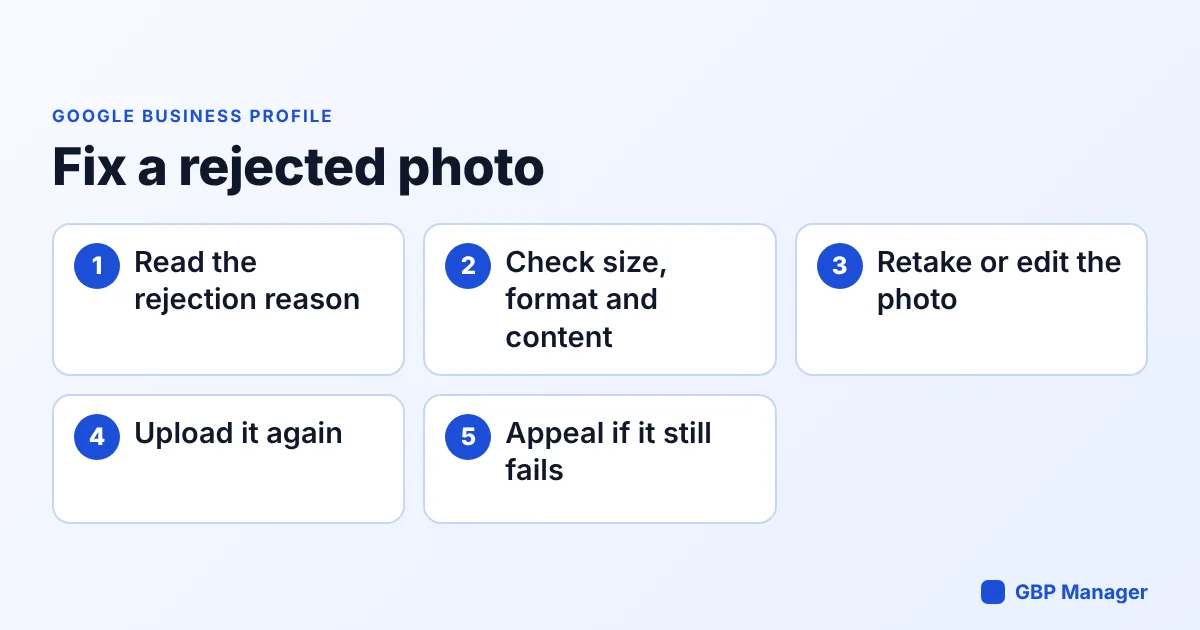
Fix it step by step
- Open the photo in your profile's Photos area and read the status message.
- Compare the image with the list above.
- Retake the picture in daylight, from the original device file.
- Remove overlay text, borders and filters.
- Re-upload through the profile, not through a third-party link.
- Wait up to 48 hours before trying again.
If you think it was a mistake
Contact Google Business Profile support and give the photo, the profile name, and a short explanation. See contact support. Do not upload the same photo again and again, as it can look like spam.
Customer photos you do not like
Customers can post photos. If one breaks policy (offensive, unrelated, fake), flag it from the photo view with the report option. You cannot delete it yourself.
Prevent rejections
- Take your own photos.
- Keep one photo per scene, and avoid duplicates.
- Do not put your phone number on pictures.
- Upload in small batches.
- Keep file formats to JPG or PNG.
Quick answers
Why does my photo show only to me? It is probably pending or restricted.
Do rejected photos hurt my profile? One rejection does not, but repeated violations can.
Can I appeal one photo? Yes, through support.
Does the file name matter? Not to Google's review.
Try it
Connect your profiles to GBP Manager to see which locations still have thin photo galleries, then add good ones.