
Quick answer: Go to the Google Business Profile Help Center, choose Contact us, pick your issue and follow the prompts. Depending on the issue and your country you may see chat, email or a call-back. If nothing is offered, post in the Business Profile Community forum. Prepare screenshots, your profile link and a short clear explanation.
Contact options differ by country, language and problem, and Google changes them, so the exact buttons you see may differ.
Step by step
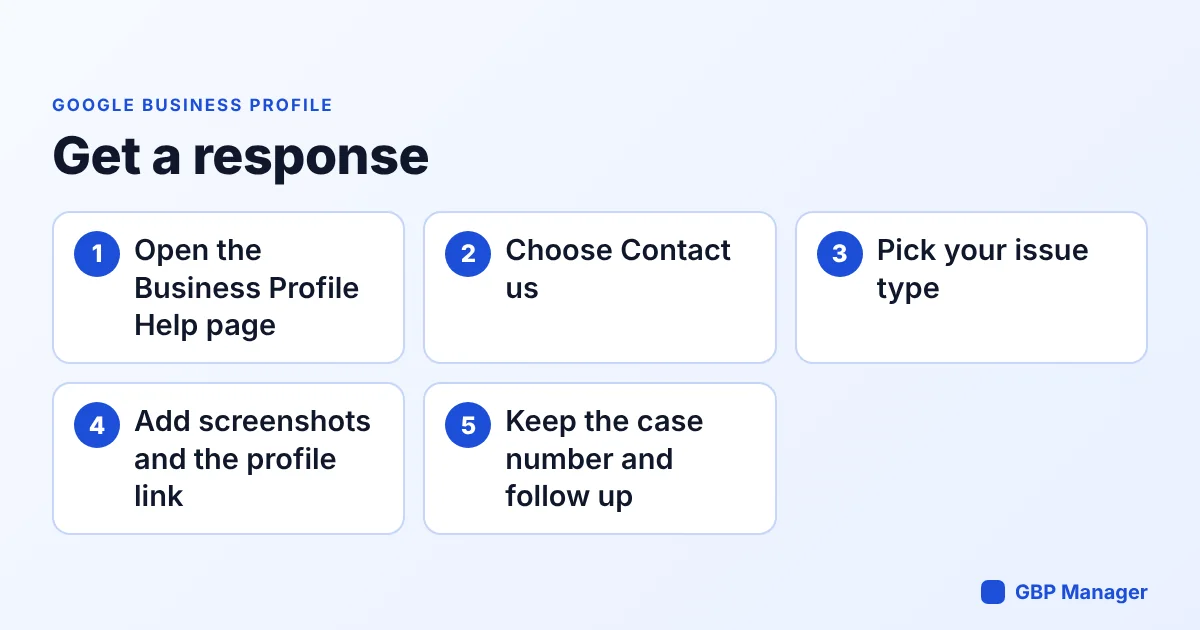
- Sign in to the account that manages the profile.
- Open the Business Profile Help Center (search "Google Business Profile help").
- Choose Contact us at the bottom or the top of the page.
- Select the issue: suspension, verification, edit not showing, ownership, review removal, duplicate.
- Select your profile if asked.
- Choose chat, email or call-back if offered.
What to prepare
- The profile name and link.
- The email of the account that owns it.
- Screenshots of the problem or error message.
- For ownership: proof such as a business license, utility bill or a photo of the premises with signage.
- For suspensions: the message you received and what changed before it happened.
- A one-paragraph timeline.
How to write the request
- Say what is wrong in the first sentence.
- Say what you want ("reinstate the profile", "merge these duplicates").
- Give facts, no anger.
- Stick to one issue per case.
- Keep replies in the same thread.
Example: "My profile Smith Dental (link) was suspended on 3 November after I changed the opening hours. I have attached the notice, a photo of our sign and our business registration. Please review and reinstate."
Other routes
- Community forum: the Business Profile Community has experienced volunteers and Google Product Experts who can escalate. Search before you post and do not share private information.
- Suggest an edit: for simple data errors on Maps.
- Report a review: for policy violations. See remove fake reviews.
- Reinstatement form: for suspensions. See suspended profiles.
Beware of fake support
Search results can show fake "customer service" numbers. Use only links from Google's own help pages. Never pay someone who claims to be Google, and never share passwords or one-time codes.
If you hear nothing
Wait the time the confirmation says, then reply on the same case. Escalate in the community forum with the case number. Do not open duplicate cases.
Common mistakes
- Contacting about several issues in one message.
- Attaching blurry or unrelated screenshots.
- Creating a new profile instead of fixing the old one.
- Paying a middleman.
Quick answers
Is support free? Yes.
Is there a phone line? Sometimes, depending on the issue and country.
How long does it take? Anything from hours to a couple of weeks.
Can an agency contact them for me? Yes, if they have access.
Try it
Keep your profiles organised in GBP Manager so evidence is easy to find.