
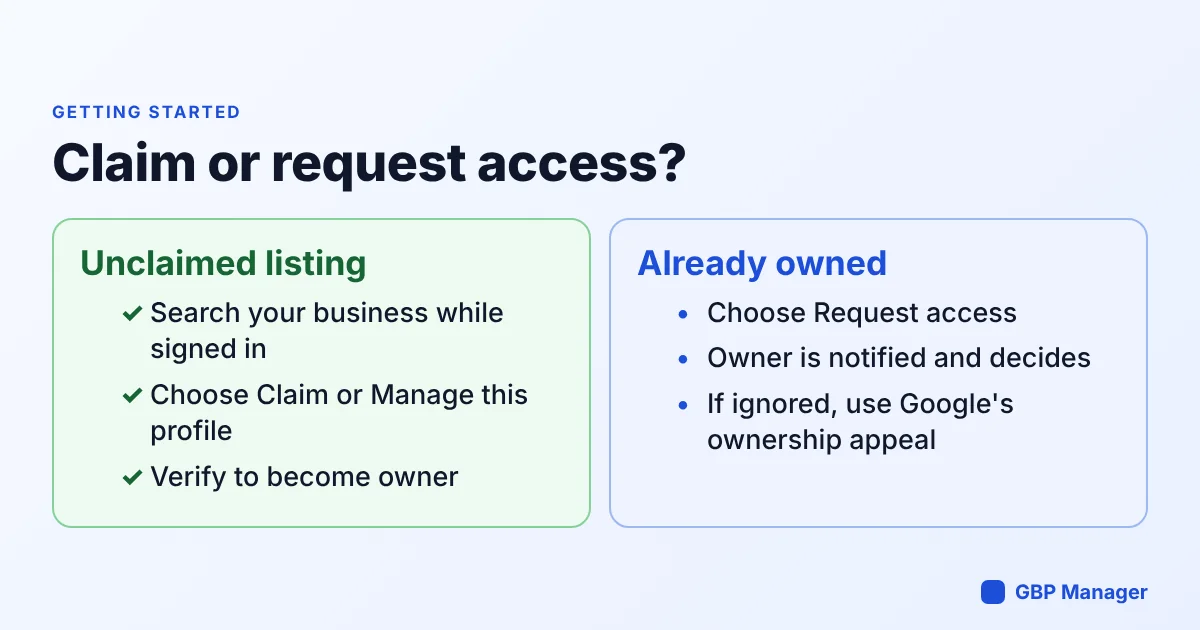
Quick answer: Search your business name on Google while signed in. If the listing is unclaimed, choose the claim or manage option and verify. If someone else already owns it, choose Request access. The current owner is notified and can approve or deny. If nobody responds, Google has an appeal process for ownership you can use.
Almost every business that has been trading for a while already has a Google listing, because Google builds them from public data. Making a new one creates a duplicate. Claiming is almost always the right first step.
Step 1: find the listing
Sign in to the Google Account you want to own it. Search your business name and town on Google or Maps. You should see your listing. Under it, look for a button such as Claim this business or Manage this profile. Google changes the wording occasionally. If you cannot find it, see how to find your profile.
Step 2A: the listing is unclaimed
- Click the claim or manage button.
- Confirm the business details are right.
- Verify. Methods vary (phone, text, email, video, postcard).
- Once verified, you are the owner.
Step 2B: someone else already owns it
You will see that the profile is managed by someone else, with an option to request access. Then:
- Click Request access and enter your name, phone number and your relationship to the business.
- The existing owner is told by email. They can approve or reject.
- Google gives the owner a window to respond (a few days is typical). If there is no response you can usually continue and ask Google to review your request.
- If you are refused or ignored, you can appeal with proof that you run the business: a business license, utility bill in the business name, or a photo of you at the premises with signage. Keep the evidence clear and consistent with the listing.
Be patient and polite in the access request. The owner is often a former employee, web designer or agency who forgot, and a simple email can solve it faster than any form.
If an old agency owns it
This is the most common case. Ask them to add you as an owner in People and access, then to transfer primary ownership. See transfer ownership. If they will not respond, use the appeal.
After you own it
- Add at least one other trusted owner so access is never stuck on one person.
- Check who has access and remove people who should not.
- Fix wrong info (name, hours, phone).
- Review the optimization checklist.
Common problems
- "Someone else has verified this business." Use Request access or appeal.
- Wrong Google Account. Switch accounts, the owner may be a different email than you expect.
- The business is marked permanently closed. Reopen it from the profile before claiming works fully.
- No claim button. The listing may be a service-area listing or not eligible. Try Maps.
Quick answers
Is claiming free? Yes.
Can an agency claim for me? They can request manager access from you. Keep ownership yourself.
How long does an access request take? Often a few days, longer if you must appeal.
Do I lose reviews if I claim? No. Reviews belong to the listing, not the owner.
Try it
Once you own the listing, connect it to GBP Manager to see reviews and rankings together.