
Quick answer: Sign in to the Google Account that manages the profile, then search your exact business name on Google. A management panel appears above the results. You can also open business.google.com to see every profile that account can manage, or use the Google Maps app on your phone. If nothing shows, you are likely in the wrong account.
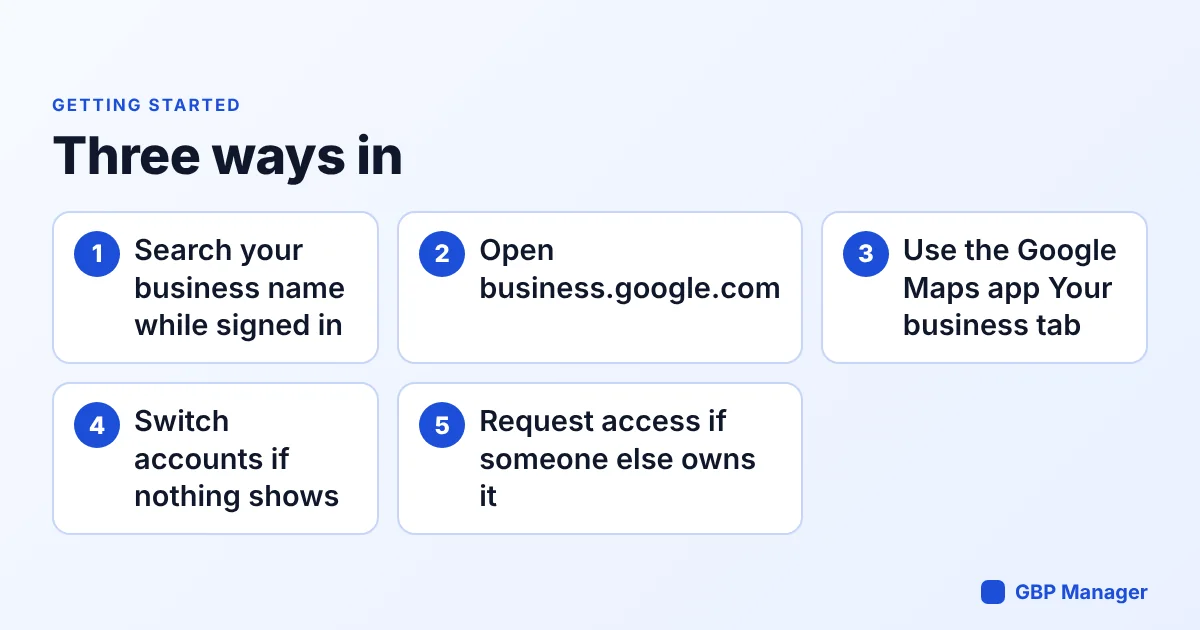
Way 1: search your business name
- Make sure you are signed in (check the picture at the top right of Google).
- Search your business name and town.
- The listing appears on the right (computer) or at the top (phone). Above it you should see options such as Edit profile, Photos, Reviews and Performance.
This is the quickest path for single locations.
Way 2: Business Profile Manager
- Go to business.google.com.
- Sign in.
- You will see a list of the profiles your account can manage.
- Click a profile to open it.
This view is best for many locations. See Business Profile Manager.
Way 3: Google Maps
- Open the Maps app and sign in.
- Tap your profile picture and look for your business profile or your business listings, depending on version.
- Or search your business and use the management options.
If you cannot see your profile
- Wrong account. Many people have several. Click your picture and switch.
- Different spelling. Search the name as listed, not as you write it.
- Not claimed. Claim it. See claim a profile.
- Owned by someone else. Request access.
- Suspended or removed. See suspended profiles.
- A work account blocks it. Some workspace admins limit services.
- No listing exists. Create it. See create a profile.
For sign-in trouble see login problems.
Find who owns it
Open People and access (owners and managers can). The list shows email addresses. If you cannot see it, you may not have access. See users and roles.
Find the public link
For the link customers see, use Share in Maps. For IDs see Place ID guide.
Bookmark it
Save business.google.com in your browser and note which account you use. For several clients, create a list with the profile name, owner email and access level.
Common mistakes
- Looking while signed out.
- Searching only the brand and not the town.
- Having a duplicate you did not know about. See duplicates.
- Using a personal account instead of the business one.
Quick answers
Why does the panel not show? You may not be signed in or lack access.
Can I see every profile I manage? Yes, in the manager.
Does the Maps app show the same options? Largely.
Can I find an agency's clients? Only the profiles your account can access.
Try it
Connect your profiles to GBP Manager and see all locations in one place.