
Quick answer: Yes, creating and managing a Google Business Profile is free. Costs come from optional things: your time, tools that save time, ads and agencies. A small business can get most of the value with about 30 minutes a week and no spend.
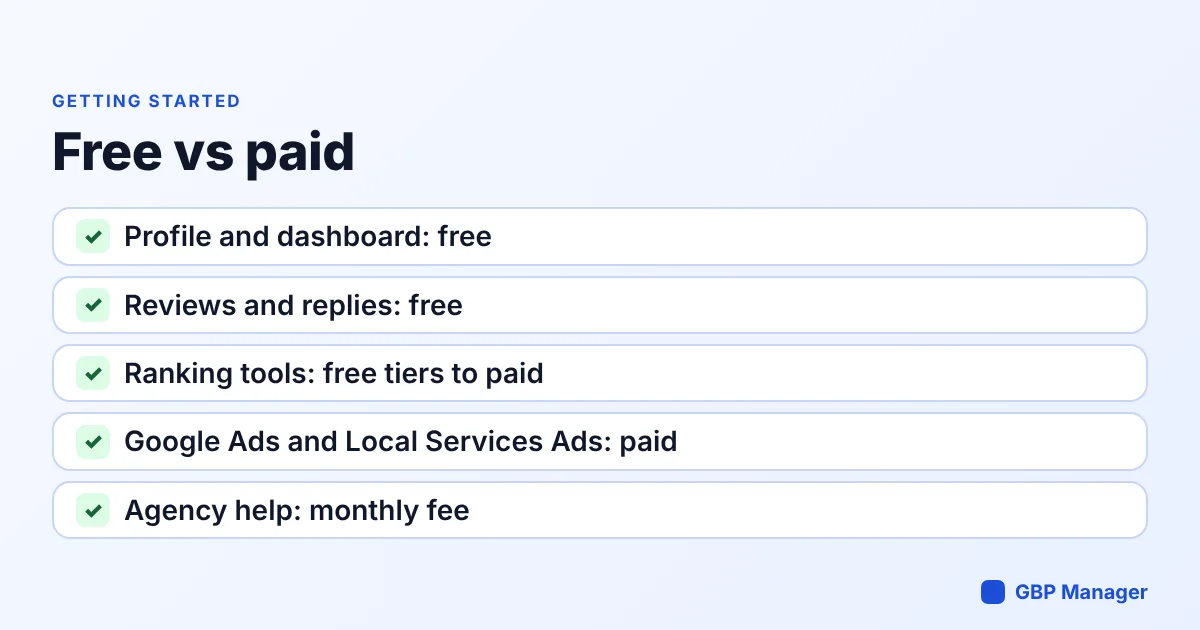
What is free
- Creating and verifying a profile.
- Editing info, hours, photos, videos and posts.
- Reading and replying to reviews.
- Basic performance data.
- Adding users.
Google does not charge for the listing or for appearing on Maps.
What can cost money
- Your time. The biggest cost. A good routine is small and steady.
- Tools. Software to manage reviews, track ranking or handle several locations. Many have free tiers.
- Ads. Google Ads and Local Services Ads are paid and separate from the profile. See Local Services Ads vs profile.
- Agencies and freelancers. Monthly fees for management. See management services and pricing.
- Photos and video. Optional if you are not able to do it yourself.
Watch for scams
- Calls or emails saying you must pay to "verify" or "claim" your listing. Verification is free.
- Offers to "guarantee" top rank or delete reviews. See can a business delete reviews.
- Unknown requests for your Google password.
A 30-minute weekly routine
- 5 min: reply to new reviews.
- 5 min: send review requests to recent customers.
- 10 min: add a photo and a post.
- 5 min: check info is right (hours, holidays, phone).
- 5 min: look at calls and direction requests.
A first month plan
- Week 1: claim or create, verify, fix basics.
- Week 2: photos, services, description.
- Week 3: start a review routine.
- Week 4: take a baseline ranking check. See check Google Maps ranking.
When it is worth paying
- You have more than one location, so time adds up.
- You are slipping on review replies.
- You want proof of progress in a report.
- A competitor outranks you and you lack time to fix it.
A tool should save you time or prove a result. If it does neither, skip it.
Common mistakes
- Paying before the basics are fixed.
- Buying ads to fix a broken profile.
- Letting an agency own the profile.
- Not tracking anything.
Quick answers
Is there a monthly fee from Google? No.
Do I need a website? It helps, but is not required.
Can I do it on my phone? Yes.
Is it worth it for a tiny business? For most local businesses it is the best free marketing.
Try it
GBP Manager is free to start. Connect your profile and take a baseline.