
Quick answer: No. A business cannot delete a Google review. You can reply publicly, flag the review if it breaks Google's policy, and ask the reviewer to update or remove it after you resolve their issue. Only the reviewer or Google can remove a review.
Why you cannot delete them
Reviews belong to the customer and to Google's index of the place, not to the business. Allowing owners to delete reviews would make the ratings meaningless. Google offers a reporting process for content that breaks the rules, and it decides.
What you can do
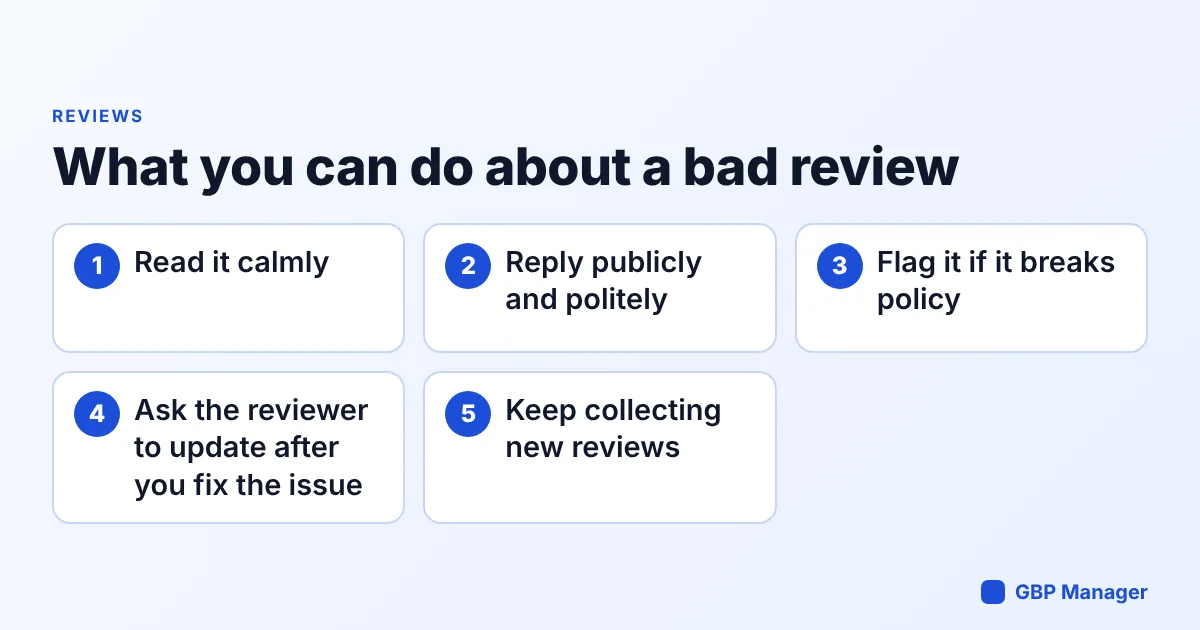
- Reply. A calm, factual reply shows future customers how you handle problems. See respond to reviews.
- Flag a review that breaks policy. From your profile, open the review and choose the flag option. Reasons include spam, fake engagement, off-topic content, offensive language, conflicts of interest, and reviews not based on a real experience.
- Ask the reviewer. If the problem was real and you fixed it, politely ask them to update their review. Do not pressure or offer anything in return.
- Dilute with good reviews. A steady stream of honest reviews from happy customers is the strongest answer. See get more reviews.
What counts as a policy violation
Typical examples that Google may remove:
- Reviews from people who never used the business.
- Fake or paid reviews.
- Spam and promotional links.
- Hate speech or personal attacks.
- Reviews by a competitor or ex-employee with a clear conflict.
- Content that is clearly irrelevant to the place.
An unfair or angry review is not a violation if it describes a real experience. A review that is simply wrong or unflattering usually stays.
How long flagging takes
Reports can take days or longer. You can check the status in the Business Profile Manager's report area where available. If your report is declined and you think it is clearly wrong, you can appeal through support. See remove fake reviews for the full process and contact support.
What not to do
- Do not pay a company that "guarantees" review removal.
- Do not threaten the reviewer.
- Do not post fake positive reviews to bury a negative one. That breaks policy and can get reviews removed in bulk.
- Do not give discounts for changed reviews.
Legal routes
For content that may be defamatory, Google has a legal removal process. Talk to a lawyer before you pursue that. This is general information, not legal advice.
Quick answers
Can I turn off reviews? No.
Can I hide a review? No.
Does replying stop others seeing it? No, but it shapes how it reads.
What if the reviewer deletes it? It disappears.
Try it
Reply faster and spot problem reviews early in GBP Manager's review inbox.