
Quick answer: Open your profile and choose Read reviews (or Reviews) to see, sort and reply to all reviews. Google's dashboard does not offer a simple one-click export for most people. To get reviews into a spreadsheet, use a review tool that connects to your profile, or the Business Profile API if you are a developer.
See all reviews
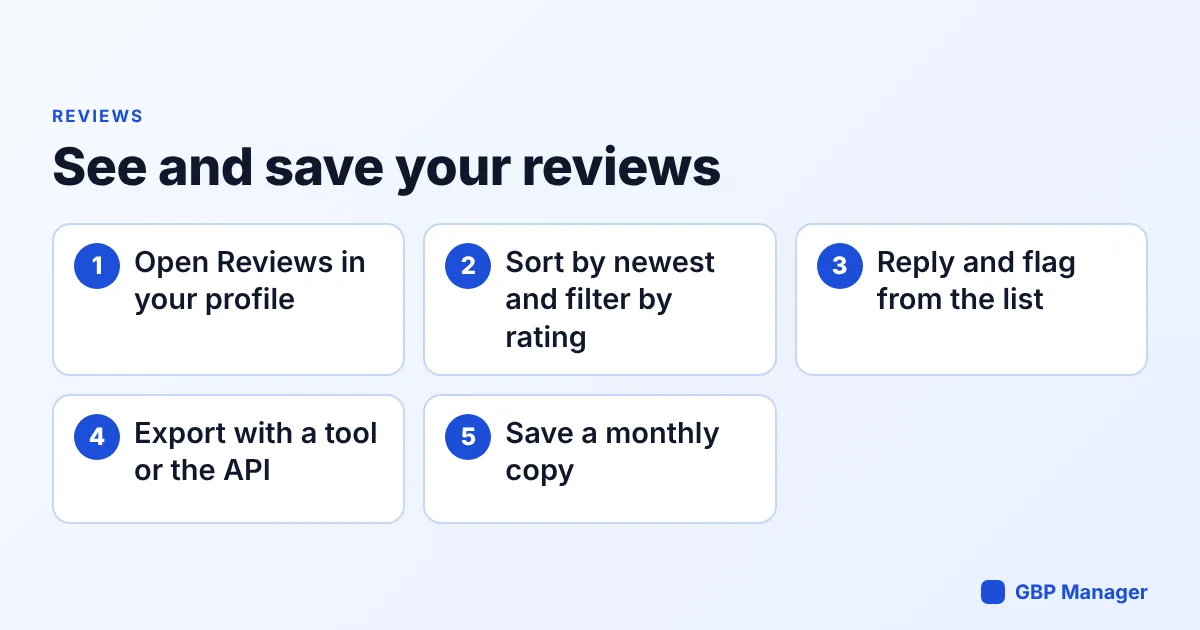
- Sign in and search your business name, or open the manager.
- Choose Read reviews.
- Scroll to load more. Use Sort (newest, highest, lowest) and search for words.
- Reply, flag or share from each review.
For many locations, open each profile or use a tool with a shared inbox. See Business Profile Manager.
Why export
- A monthly report for a client. See monthly report.
- A backup before a risky change such as deleting or merging. See delete a profile.
- Analysis of themes in feedback.
- Proof for a dispute.
Ways to export
- A review management tool. Tools that connect to your profile can list all reviews and download them as a spreadsheet.
- The Business Profile API. Developers can list reviews with the reviews endpoint, which returns review text, rating, reviewer display name, time and reply. Access requires approval. See API guide.
- Copy and paste. For a small number of reviews, copy into a sheet.
- Google Takeout. Google's data export may include some Business Profile data for your account; check what is available for your profile.
Do not use scrapers that log in with your password. They break Google's terms and risk your account.
What to save
- Date, rating, text and reply.
- Reviewer name (treat as personal data).
- Review link.
- Profile and location.
Using the export
- Count by star rating each month.
- Sort by date to see recency.
- Search for words like "late", "price", "friendly".
- Check reply rate and time to reply.
Privacy and fairness
Reviews are public, but reviewer names are personal data. Keep exports secure, share only what you need, and follow the privacy laws of your region.
Common mistakes
- Relying on the dashboard as your only record.
- Using password-sharing scrapers.
- Exporting once and never again.
- Posting reviewers' details elsewhere without permission.
Quick answers
Can I export from the dashboard? There is no standard one-click export for most users.
Is there a review limit? The API paginates; large lists need several calls.
Can I export Q and A? Not reliably, as the feature is changing.
Do exports include removed reviews? No.
Try it
Read and reply to all reviews from one inbox in GBP Manager.