
Quick answer: To remove a profile, an owner opens the profile settings and chooses to remove it. If the business has simply shut, mark it permanently closed instead, so customers see the right status and you keep the history. Removing is hard to undo, so be sure first.
Pick the right option
There are three different things people mean by "delete":
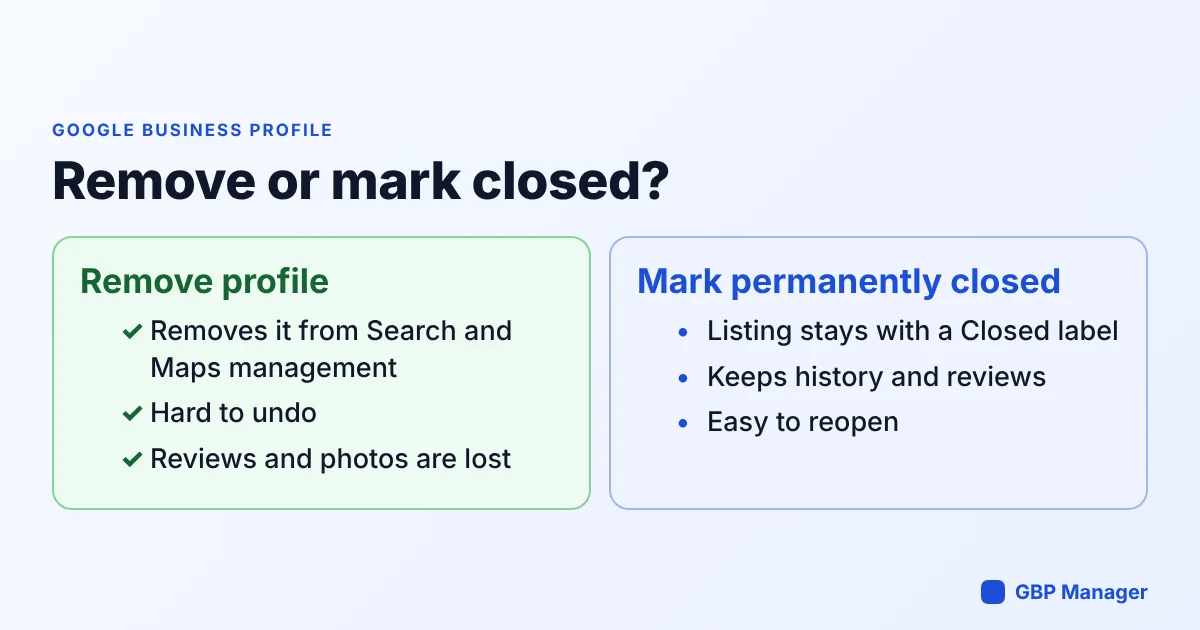
- Mark permanently closed. The listing stays on Google with a "Permanently closed" label. Use this when the business has shut down.
- Remove the profile. You give up the profile, and it no longer appears in your account. Google warns that you may not be able to recover it, along with its reviews and photos.
- Stop managing it. You remove yourself as owner. The listing may still exist on Maps, controlled by nobody.
If you are only moving, change the address instead. If you changed the name, edit the name. See edit name, address and hours.
How to mark a business closed
- Open the profile.
- Choose Edit profile and then Business information.
- Find the hours or business status section and choose Mark as permanently closed.
- Save.
How to remove a profile
- Sign in as an owner.
- Open the profile menu and go to Business Profile settings.
- Choose Remove Business Profile (wording may vary) and read the warning.
- Confirm.
Only owners see this option. Managers do not.
What happens to reviews and photos
Reviews and photos are attached to the place listing, not to your account. Removing management usually leaves the place on Maps with its reviews, or it can disappear from view. Do not count on being able to get them back. If reviews are the reason you want to delete, read remove fake reviews and can a business delete reviews. Deleting the profile is not a way to hide bad reviews.
Removing a duplicate
Never delete the profile you want to keep. For two profiles for the same location, report the duplicate or ask Google to merge. See duplicate profiles.
Before you click
- Download any photos you want to keep.
- Export reviews if you want a record. See export reviews.
- Note the exact business info in case you reopen later.
- Check no other business uses the same address and phone.
Common mistakes
- Deleting when you should have marked closed.
- Removing the profile that still has the good reviews.
- Deleting a chain location by accident in a bulk tool.
Quick answers
Can I get a deleted profile back? Google says removal is hard to reverse. Contact support quickly if it was a mistake.
Will the listing vanish from Google? Not always. It can persist without an owner.
Does closing delete my reviews? No.
Who can delete? Owners only.
Try it
Keep several locations in order in GBP Manager so you can see what each profile still holds before deciding.