Reviews
How to see and export all your Google Business Profile reviews
Where to read every review, how to filter and sort, and the options for exporting them to a spreadsheet for reports or backup.
Category
Everything we have written about Reviews.
Where to read every review, how to filter and sort, and the options for exporting them to a spreadsheet for reports or backup.
Reviews can vanish because of spam filters, policy removals, account problems or display delays. How to diagnose which one and what you can try.
What Google allows and forbids when asking customers for reviews: incentives, gating, review stations, employee reviews and safe wording.
Change the stars or text of your review, add photos, or delete it completely. Steps for phone and computer, and what happens after.
Local Guides are people who contribute reviews, photos and edits on Maps. How points and levels work and how to treat them as a business owner.
Businesses cannot delete reviews they dislike. They can reply, flag policy violations and ask the reviewer to update. Here is how each option works.
A simple guide for customers: sign in, find the business, rate it, write a helpful review, and what to do if you cannot post.
Reviews are part of how Google judges local prominence. Here is what that means for star rating, number of reviews, keywords in reviews and replies.
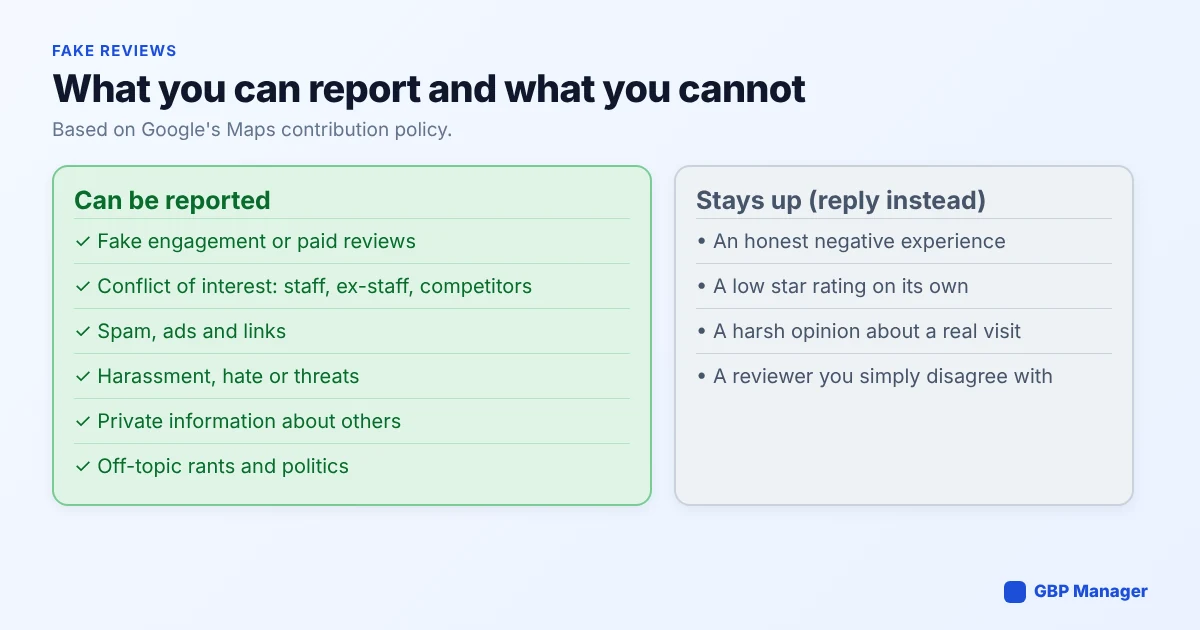
Learn which Google reviews can be removed, how to report them with evidence, what to do while you wait, and how to reply without making things worse.
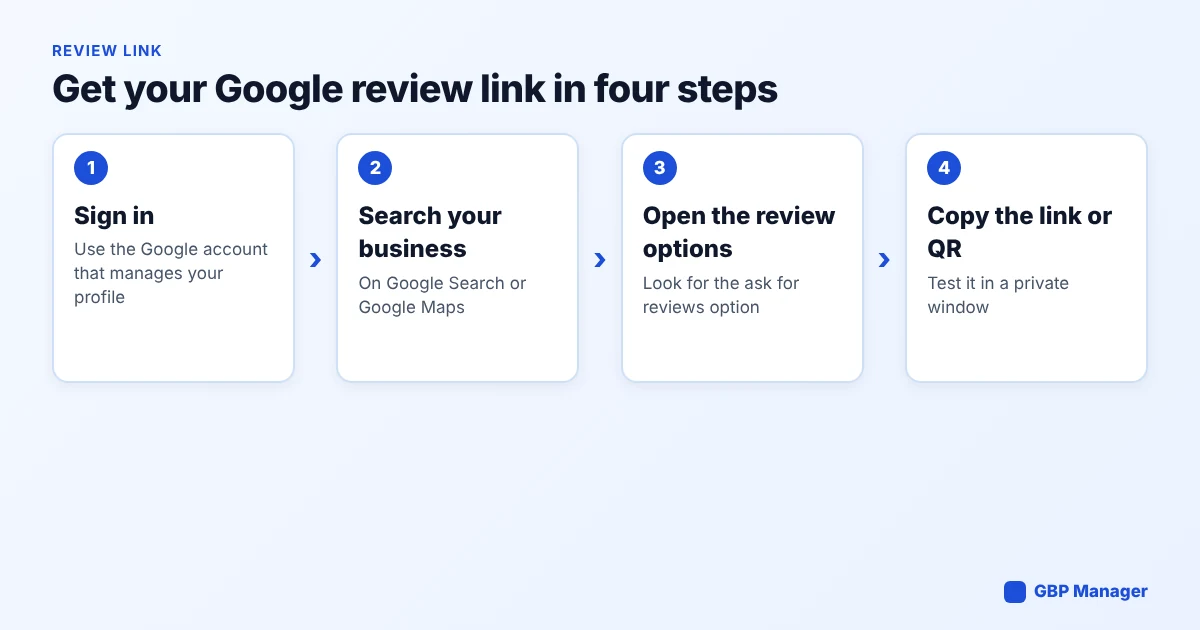
Find your Google review link, turn it into a QR code, test it, and use ready-made WhatsApp, SMS and email messages that follow Google's rules.
Connect your Google Business Profile in a minute. Start free, no card needed.
Sign up with Google Ask a question
When you continue, Google will ask you to let GBP Manager view and manage your Business Profile locations, reviews and performance data. We use it to show your dashboard, listing score and reviews, and to post replies, posts, photos or profile changes only after you review and confirm them. We do not sell it or use it for ads or AI training. See our Privacy policy. You can remove access at any time in Settings or in your Google Account.