
Quick answer: Google Local Guides is a free program for people who add reviews, photos, answers and edits to Google Maps. Contributors earn points and move up levels. For businesses, a Local Guide review is a normal review. It carries no special rank, but Local Guides often write detailed reviews and photos, so treat them like any customer.
Google changes the program rules, levels and perks occasionally, so check the Local Guides help page for details.
How it works
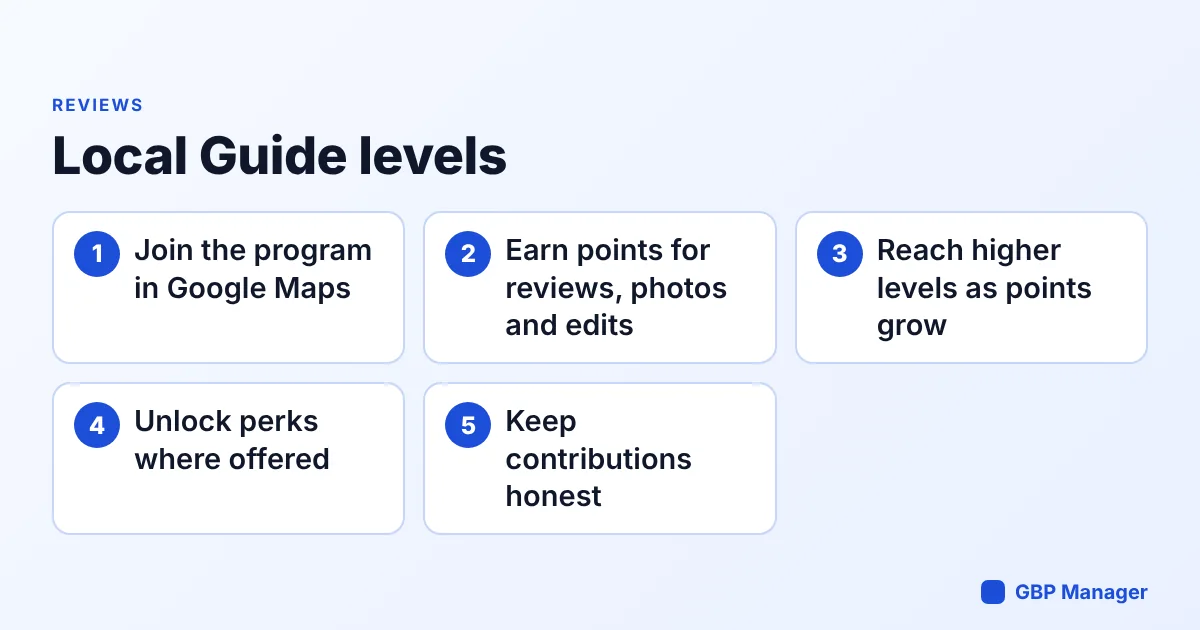
- A user opens Google Maps and joins Local Guides from their profile.
- They earn points for contributions: writing reviews, adding photos or videos, answering questions, adding or fixing places, rating places.
- Points add up to levels, with higher levels showing as a badge on their reviews.
- Perks have included early access to features or promotions in some regions. They vary and are not guaranteed.
What the badge means
It shows the person contributes to Maps regularly. It does not mean Google endorses the review, and it does not mean the review is more important to rank. The review still has to follow policy.
What it means for a business
- Local Guides can add useful details and photos.
- Reviews from experienced contributors often read as more credible to customers.
- They are subject to the same review rules as everyone. See review policy.
- You cannot request, buy or influence Local Guide status.
How to respond
Reply as you would to any customer: thank them by name if shown, address specifics, and invite them back. See respond to reviews. Never treat a Local Guide differently for the sake of a better review. Do not offer incentives.
If a Local Guide review is unfair or fake
Check whether it breaks policy. If it does (not a real customer, conflict of interest, spam), flag it. See remove fake reviews. A Local Guide badge does not protect a review from removal.
If you want to be one
- Open Google Maps, tap your profile picture and find Local Guides.
- Join and start contributing: review places you really visit and add helpful photos.
- Write honest reviews. See how to leave a Google review.
Do not review your own business or competitors.
Common mistakes
- Offering perks to Local Guides for reviews.
- Assuming Local Guide reviews rank higher.
- Ignoring detailed reviews that include photos.
- Writing fake reviews to gain points.
Quick answers
Is Local Guides free? Yes.
Do points cost anything? No.
Do levels affect my profile? No, they are about the contributor.
Can businesses join? The program is for individuals; do not review your own business.
Try it
Reply to every review, from Local Guides or not, in one inbox with GBP Manager.