
Quick answer: A Google My Business listing (now called a Google Business Profile) is the free business card Google shows in Search and Maps when someone looks for your business or for a service nearby. It shows your name, rating, address, hours, phone, website, photos, reviews and more.
What it looks like
On a phone, it is the panel with a map, photos and buttons at the top of local results. On a computer it appears on the right of the results or as a pack of three businesses beneath a map.
The parts
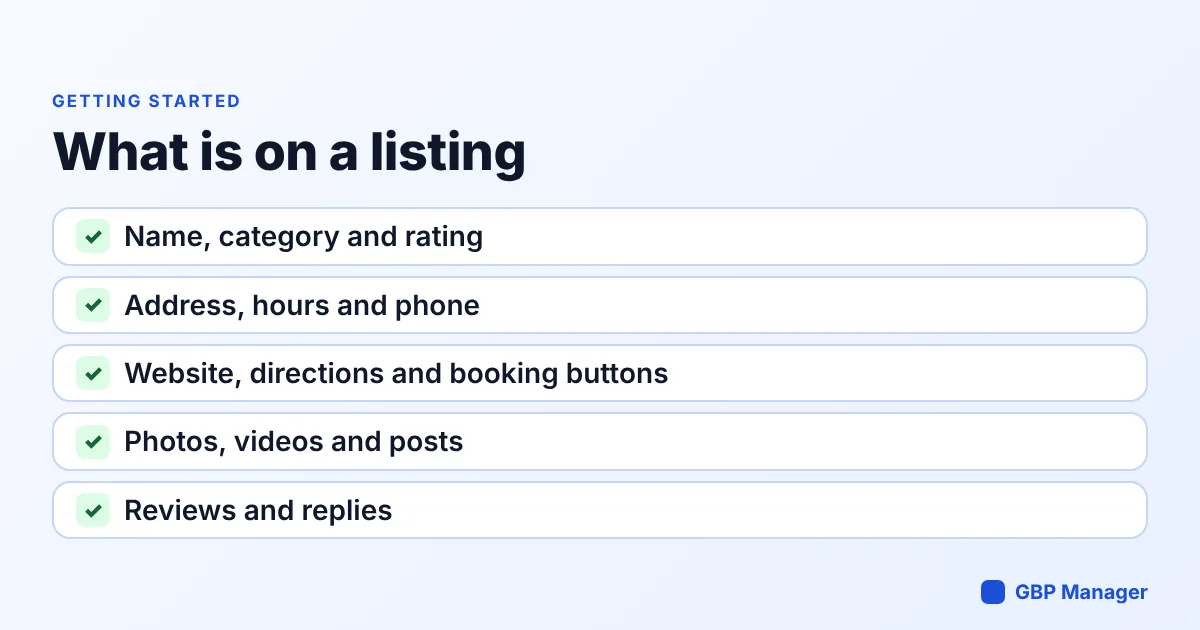
- Name, category and rating: what you are and how well reviewed you are.
- Buttons: call, directions, website, save, share and sometimes book or message.
- Address and map pin or service area.
- Hours: open, closed, special hours.
- Photos and videos: from you and customers.
- Reviews: with owner replies.
- Posts: news, offers and events.
- Services or products and menu.
- Attributes: wheelchair access, outdoor seating, Wi-Fi, online appointments.
- Questions: changing, see Q and A changes.
Where it shows
- Google Search, for your business name and for local searches.
- Google Maps.
- The local pack, the group of three results under a map. See what is the local pack.
- Other Google surfaces.
Who controls it
Anyone can suggest edits, but verified owners and managers control what is shown. Google may also update details based on other sources. See users and roles.
Do I have one?
If your business has ever existed publicly, Google may have made a listing. Search your business name. If it appears, claim it. See claim a profile. If it does not, create one. See create a profile.
Why it matters
- It is often the first thing customers see.
- It decides whether a customer calls you or someone else.
- It affects whether you show in local searches. See how Google ranks local results.
- It is free.
What makes a strong listing
- Accurate information.
- A good primary category.
- Real photos.
- Reviews and replies.
- Regular updates.
See the optimization checklist.
Common mistakes
- Thinking the listing is the same as a website.
- Not claiming it.
- Letting wrong hours stay.
- Ignoring reviews.
Quick answers
Is a listing the same as a profile? Yes, in everyday use.
Do I need a website? No, but it helps.
Can customers edit my listing? They can suggest changes.
Is it only for shops? Service-area businesses can have one too.
Try it
Connect your listing to GBP Manager to see reviews and rankings together.