
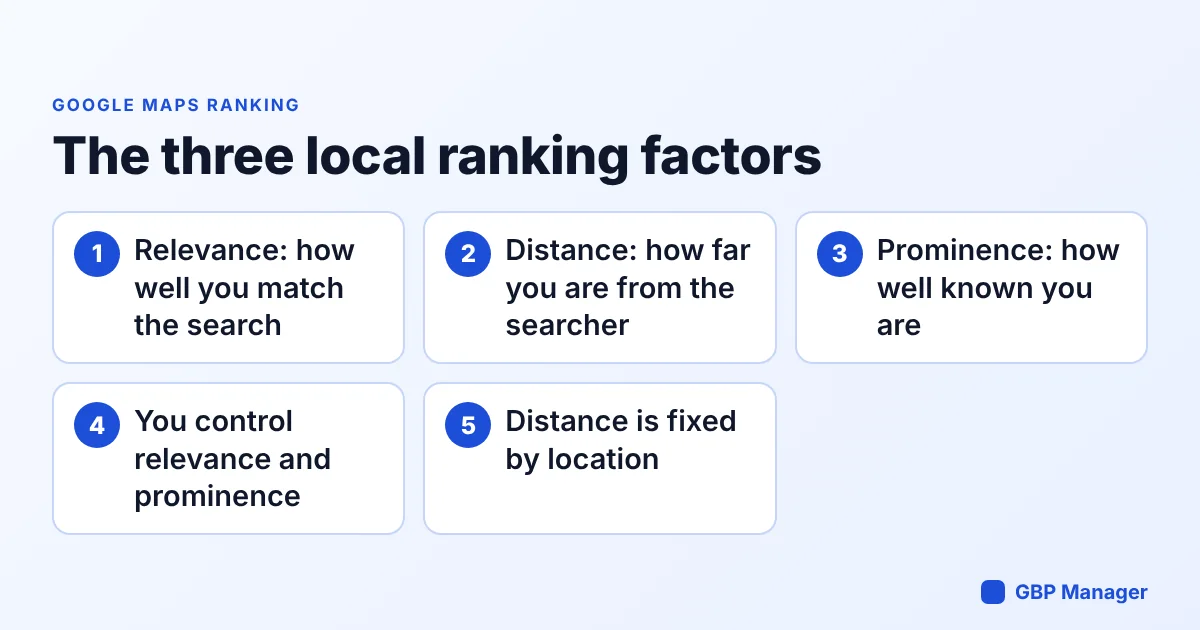
Quick answer: Google says local results are ranked mainly by relevance (how well your profile matches what someone searches), distance (how far you are from the searcher or the location in the search) and prominence (how well known and trusted you are). You cannot change distance, but you can improve relevance and prominence.
Relevance
Relevance is how well your profile matches the search. Google uses:
- Your primary and secondary categories. The strongest signal for what you are.
- Your business description, services and attributes.
- Content on your website.
- Words in reviews.
To improve it: pick accurate categories, list real services, write a clear description, and make sure your website says the same. See categories, services and keywords in your profile.
Distance
Distance is how far the business is from the searcher, or from the place named in the search. If no location is named, Google may use what it knows about where the person is. Closer businesses tend to rank higher, which is why one profile can rank first near its shop and tenth two miles away. A grid ranking check shows this.
You cannot move your listing to cheat distance. Using a fake address leads to suspension. See virtual office addresses.
Prominence
Prominence is how well known the business is, online and offline. Google says it uses:
- Reviews. Count and score. See reviews and SEO.
- Links, articles and directory listings about you.
- Your standing in organic search. A better website tends to help.
- Citations across the web, with consistent name, address and phone. See citations.
How the three work together
Imagine searching "dentist" while standing in a shopping street. Google first picks the profiles relevant to dentists. It then favours ones near you. Among those, it favours the more trusted, better reviewed and better known ones. That is why a strong profile in the wrong place can lose to a weaker one next door.
What you can and cannot change
- Cannot change: where you are.
- Can change fast: categories, services, description, attributes, photos.
- Can change over months: reviews, links, mentions, website quality.
A plan in order
- Fix relevance: categories, services, description.
- Align your website pages with each main service.
- Collect reviews consistently.
- Clean up listings. See NAP consistency.
- Earn local links and mentions.
- Check your map position by grid. See how to rank higher on Google Maps.
Common mistakes
- Trying to fix distance with a second address.
- Chasing keywords while ignoring reviews.
- Judging rank from one search at your desk.
Quick answers
Is that the whole algorithm? No. It is Google's high-level description; the details are not public.
Do paid ads affect local rankings? Google says ads do not influence organic local results.
Does my website matter? Yes, mainly for relevance and prominence.
Why do I rank differently from my friend? Different distance.
Try it
See your position at many points around your business with GBP Manager.