
Quick answer: Use the words customers actually search in your primary category, services, description, posts and website, and encourage reviews that describe what you did. Do not add keywords or locations to your business name. That breaks Google's guidelines and is a common reason for suspension.
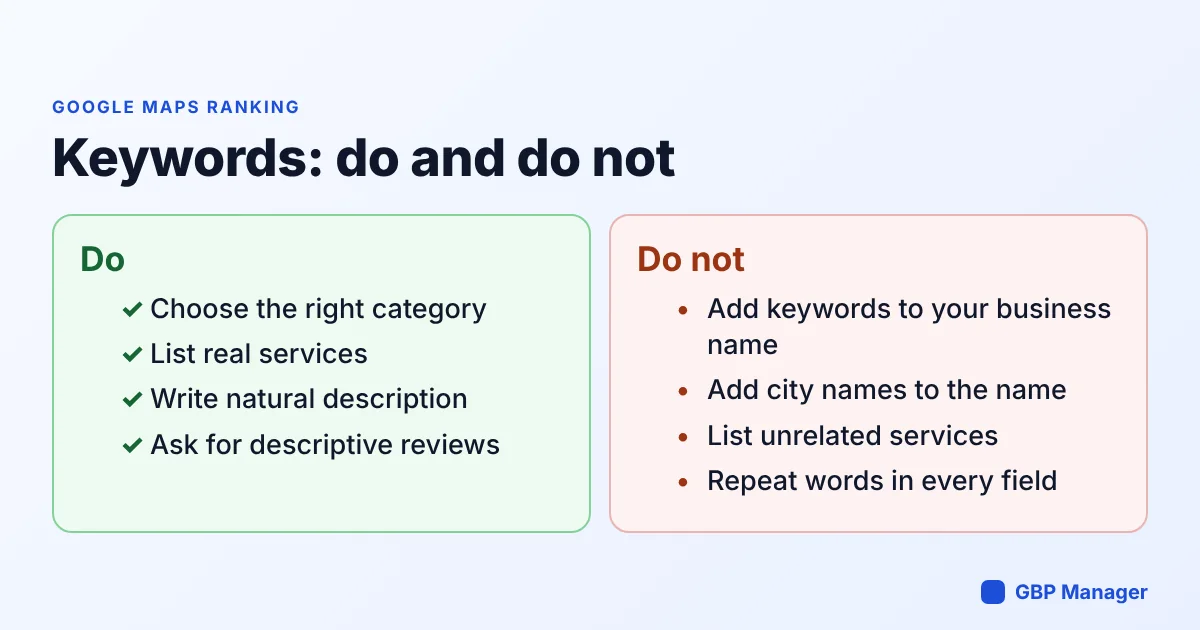
Where keywords belong
- Categories. The most important place. Pick the category that matches what people search. See categories.
- Services and products. Name each one the way a customer would. See services.
- Description. Explain what you do, where and for whom, in natural sentences. See description.
- Posts. Write about real events or offers in normal language.
- Website. Make a page for each main service and each place you serve, and link to it from the profile.
- Reviews. You cannot write them, but a good ask can prompt details ("tell us what we fixed").
Where they do not belong
- Business name. Use the real name only. "Best Plumber Austin – 24 Hour Drain Cleaning" instead of "Smith Plumbing" can get your profile suspended.
- Address fields. Do not add keywords to the street line.
- Photo file names or captions as a ranking trick.
- Review replies stuffed with phrases.
How to find the words customers use
- Start with how you answer the phone ("blocked drain", "new patient exam").
- Type those into Google and note the autocomplete suggestions.
- Look at the profiles ranking above you and their categories.
- Use a keyword tool for volume if you like, but local terms are often small and still valuable. See local keyword research.
A simple template for the description
Say who you are, what you do, where, and what makes you different, in plain sentences. For example:
"Family-run electricians serving North Leeds since 2008. We handle rewiring, fuse boards, EV charger installation and emergency call-outs. Free quotes and fully insured."
It names services and place without repeating words unnaturally.
How to know if it worked
Track your position for the specific phrase before and after the change, at several points around your location. See how to check Google Maps ranking. Give it a few weeks. Change one thing at a time.
Common mistakes
- Copying a competitor's description.
- Treating the name field as ad space.
- Listing 30 services you rarely do.
- Adding every nearby town as a service area.
Quick answers
How many keywords? There is no number. Write for people.
Do hashtags help? No.
Does the description affect ranking? It supports relevance. Google does not publish a weight.
Can I add a location to my name if it is on my sign? Only if it is part of your real name.
Try it
Check your position for each key phrase around your business with GBP Manager.