
Quick answer: For a review link or Google Maps API, you need the Place ID, which starts with "ChIJ". Find it with Google's free Place ID Finder by typing your business name. For a link to your listing, open it in Maps and use Share. The Business Profile API uses a different location ID that only appears after you connect your account.
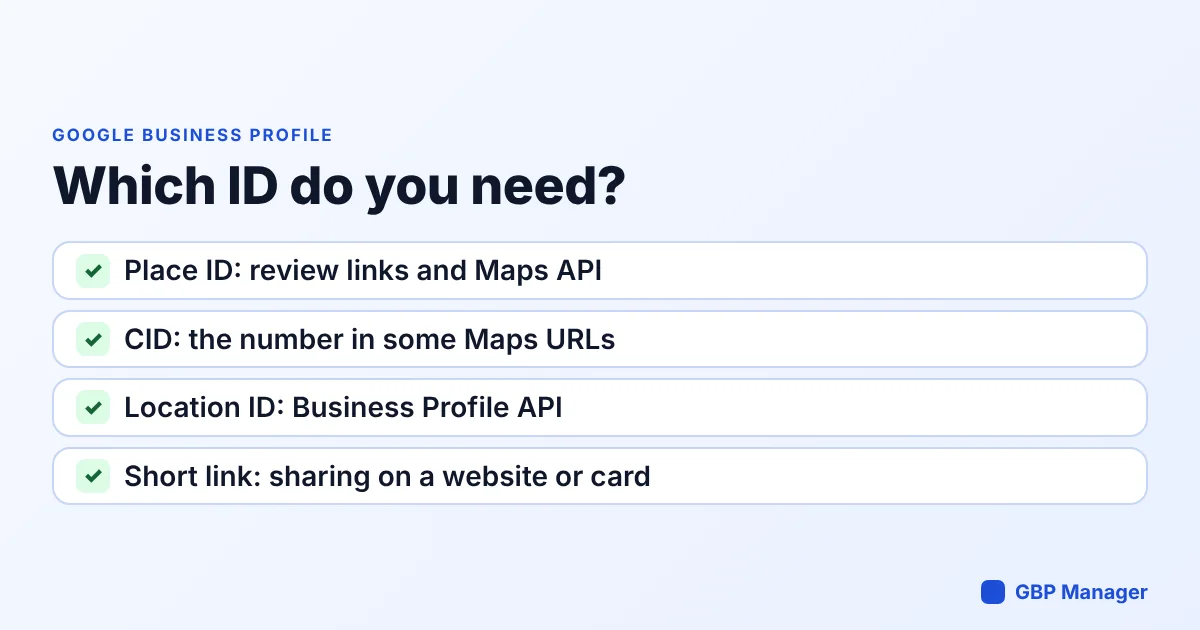
Four IDs people mix up
- Place ID: begins with ChIJ, used by Maps and most tools.
- CID: a long number in some Maps links.
- Location ID: a number in your account, used for the Business Profile API.
- Share link: the short link from the Share button.
Find your Place ID
- Open Google's Place ID Finder in the Maps Platform documentation.
- Type your business name and address into the search box on the map.
- Click your listing. The Place ID is shown beside the name.
- Copy it.
A Place ID can change over time if Google merges or re-creates the place, so test it before printing it on anything.
Make a review link from a Place ID
The pattern is a Google review link that includes the Place ID. The easier way is to open your profile and use Ask for reviews, which gives a short link. See Google review link and QR code.
Find the share link for your listing
- Search your business on Google Maps.
- Click Share.
- Copy the link.
Use this link on your website and cards. It opens the app for people on phones.
Find the location ID for the API
The Business Profile API identifies a location by an ID inside your account, in the form locations/…. You get it by calling the API after your account has been approved for access. See Business Profile API guide. Most people never need it.
Which one should you use?
- Review link or QR code: use the review link from your profile.
- Embedding a map on your site: Place ID with the Maps Platform, or the Share link.
- Tracking rankings: the tool asks for your business name and finds the Place ID itself.
- Building an integration: location ID.
Common mistakes
- Using a Place ID from a competitor or from a duplicate listing. See duplicates.
- Pasting a long Maps URL in print where a short link would do.
- Confusing the Place ID with your Google Account ID.
Quick answers
Is the Place ID the same for every language? Yes, it identifies the place.
Does everyone have one? Every place on Maps has a Place ID.
Can I change it? No.
Do I need a Place ID to run a ranking check? Not in GBP Manager. Pick your profile by name.
Try it
Connect your profile to GBP Manager and it handles the IDs for you, then run a ranking check.