
Quick answer: Pick one niche and one town, find businesses with obvious profile gaps (few photos, no description, unanswered reviews, wrong categories), run a short audit, send one specific finding by email or message, and offer to help. Keep it honest, short and useful, and follow the law on cold email.
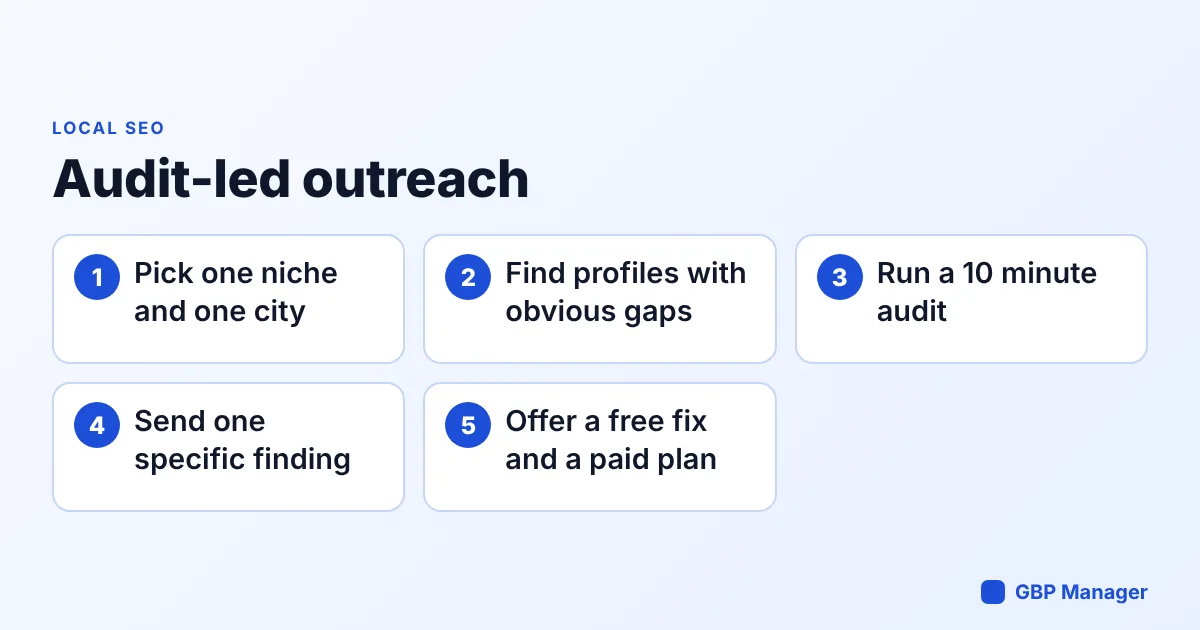
Why audits work
Local business owners are busy, and a generic "I do SEO" message is ignored. A message that says "your profile has 3 photos and 14 unanswered reviews" is specific, checkable and easy to act on. It starts a conversation about help.
Step 1: choose a narrow target
One niche (for example dentists) in one area. You learn the language, spot patterns and can show results from similar clients. Avoid spraying across industries.
Step 2: find prospects with gaps
Search the niche on Google Maps, scroll the list and open the profiles ranked below the top three. Look for:
- Fewer than 10 photos or none recent.
- No description or services.
- Reviews with no replies.
- Missing hours or a wrong website link.
- Odd categories.
- Rating under 4.0 with no response strategy.
Record each business in a spreadsheet: name, website, email, top finding.
Step 3: a 10-minute audit
Check, in order:
- Primary category and extras.
- Info accuracy (hours, phone, website).
- Photos: count and quality.
- Reviews: count, score, reply rate, last review date.
- Description and services.
- Map position around their location. A grid gives you a picture they can understand. See check Google Maps ranking and local SEO audit checklist.
Pick one headline finding for the message. You can include the rest in the full audit.
Step 4: send a short message
Structure:
- A greeting with the business name.
- One specific observation.
- One line about why it matters.
- A free offer (the full audit, or a fix).
- Your name, website and how to reply.
Keep it under 120 words, do not exaggerate, and do not claim you found them in a way that is untrue.
Step 5: be legal and polite
Follow the rules for your region on commercial email (for example CAN-SPAM, GDPR or similar). Include your postal address and an unsubscribe option where required, honour opt-outs and send in small volumes from a real mailbox. Do not scrape personal emails of individuals.
Step 6: follow up
Follow up once or twice over two weeks with new, useful information, not "just checking in". Stop if they say no.
Step 7: turn the audit into a plan
Offer a clear scope and price. See management services and pricing. Use a monthly report to prove value.
Common mistakes
- Sending 500 messages with the same text.
- Over-promising rankings.
- Auditing without checking the real profile.
- Asking for the Google password. Ask for manager access instead. See users and roles.
Quick answers
How many audits a day? Ten good ones beat fifty weak ones.
Should the audit be free? A short one yes; deeper work is paid.
What tools do I need? A spreadsheet, a browser and a ranking checker.
How do I show results? Before and after rankings and review counts.
Try it
Run a free ranking check for a prospect with GBP Manager.