
Quick answer: Google Business Profile is where most local customers look, so do it first. Bing Places is free, takes about 15 minutes, and can import your Google information. It is worth setting up as a second channel. Be careful with automatic sync: it can overwrite good Bing data with out-of-date Google data, or the reverse.
What Bing Places is
Bing Places for Business is Microsoft's tool for managing your listing in Bing Search and Bing Maps. It is also used by other products that take business data from Microsoft. The audience is smaller than Google's, but it is not zero, particularly on desktops and in some regions and age groups. Because the listing is free, many businesses add it for coverage.
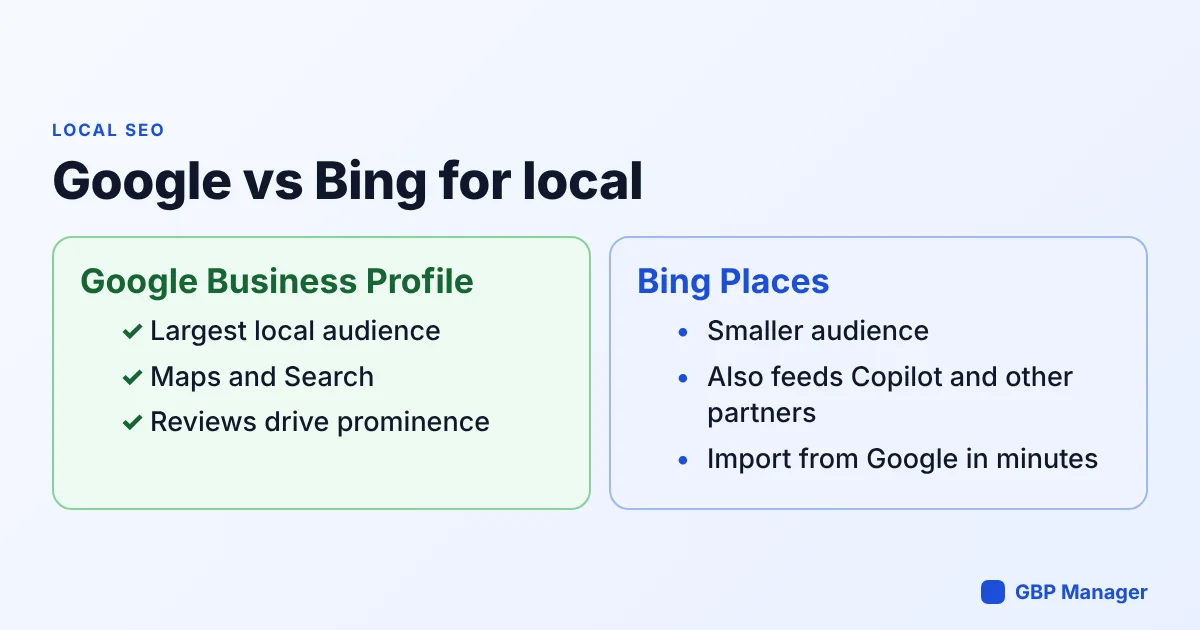
Google vs Bing at a glance
- Reach: Google is far larger for local searches.
- Reviews: Google reviews carry the most weight. Bing shows reviews from various sources.
- Features: Google has posts, messaging options and a larger set of attributes. Bing's feature set is smaller.
- Effort: one is your main channel, the other a copy.
How to set up Bing Places
- Go to Bing Places for Business and sign in with a Microsoft account.
- Search your business name to see if it already exists.
- Choose to import from Google Business Profile, or add it manually.
- Check every field: name, address, phone, hours and category.
- Verify, by phone, email or postcard, depending on what is offered.
The sync risk
When you import from Google, Bing can offer to keep the two connected. Think carefully:
- Wrong data flows both ways. An error in Google can copy to Bing.
- Features do not match. Some Google categories, attributes or hours formats do not map exactly.
- You may overwrite improvements. If you fixed Bing manually, a sync may reset it.
- Delay and mismatch. Changes are not instant.
A safer approach is to import once, check it, and then edit each platform when information changes. Use a calendar reminder for hours changes. See holiday hours.
Keep information consistent
Consistent name, address and phone across Google, Bing, Apple and directories help trust. See NAP consistency and citations.
Is it worth the time?
If you serve consumers and you can spare 20 minutes, yes. If you have one hour a month to give to local, spend it on Google reviews first. See local SEO checklist.
Common mistakes
- Creating Bing Places but never checking it.
- Leaving old hours or a closed status.
- Relying on sync for everything.
- Ignoring Apple Business Connect, which also feeds Apple Maps.
Quick answers
Is Bing Places free? Yes.
Does it help my Google ranking? Not directly.
Can I turn off sync? Yes, in Bing Places settings.
Can I manage Bing from GBP Manager? No, GBP Manager works with Google Business Profile.
Try it
Get Google right first. Connect your profiles to GBP Manager and see where you stand.