
Quick answer: Choose a primary category that matches your cuisine or format, add your menu with prices, link reservations and ordering, keep hours (including holidays) accurate, fill in attributes like outdoor seating and dietary options, upload fresh photos every month and reply to reviews quickly.
Categories
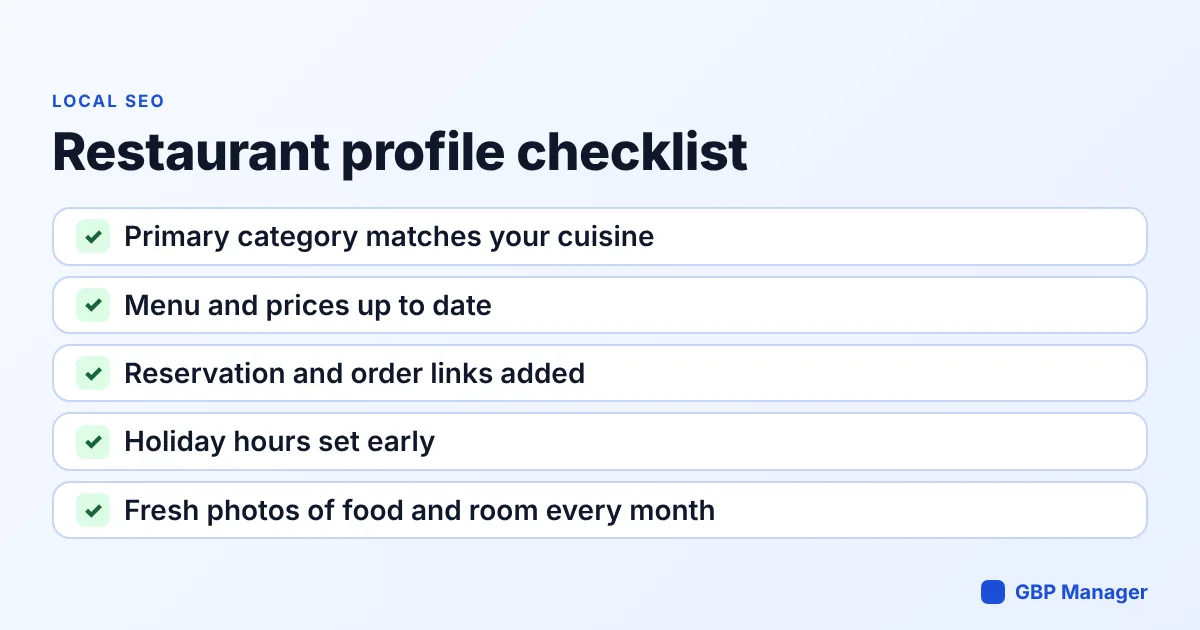
Pick the category that describes the restaurant (for example Italian restaurant, Pizza restaurant, Cafe, Takeaway) as the primary. Add secondary categories for real, distinct offerings such as Bar or Catering. Do not add categories you do not truly offer. See how to choose categories.
Menu and prices
Restaurants usually get a Menu section. Add dishes with names, descriptions and prices, or link to your menu page. Keep it current, since an old price causes complaints in reviews. See products and services.
Links: order, book, menu
Add links for reservations, online ordering and your menu where offered. Make sure each link goes to a page that works on mobile. Use UTM tags to see how many orders come from Google. See UTM links.
Hours
- Set regular hours, and split hours if you close between lunch and dinner.
- Add special hours for holidays well ahead. See holiday hours.
- If you close unexpectedly, update fast. See temporary closure.
Attributes
Tick everything that is true: dine-in, takeaway, delivery, outdoor seating, wheelchair accessible, vegetarian options, Wi-Fi, kids welcome, accepts reservations. See attributes.
Photos
Customers decide with their eyes. Upload:
- Signature dishes in daylight.
- The dining room, bar and outdoor space.
- Exterior and entrance.
- The team and kitchen at work.
- Menu boards.
Add new ones monthly and answer customer photos. See photo guidelines.
Reviews
Restaurants get plenty of reviews, so your reply habit matters. Thank people, answer specifics, own mistakes and never argue. Do not offer free dishes for reviews. See respond to reviews and review policy.
Posts
Share specials, events, new dishes and seasonal menus. Keep one clear photo and button. See posts and ranking.
Common mistakes
- Old menu photos with wrong prices.
- Not updating hours for holidays.
- A website link that goes to a PDF menu that will not load.
- Replying to negative reviews with defensiveness.
Quick answers
Can I show my menu as a photo? Better as structured menu items where possible, plus photos.
How do I get more reservations? Link a reservation provider, keep hours right and respond to reviews.
Do delivery apps help my profile? They can add listings, but keep your own ordering link too.
Can I have a second profile for the bar? Only if it is a separate public business with its own entrance and hours, per Google's rules.
Try it
Reply to all your restaurant reviews from one inbox in GBP Manager.