
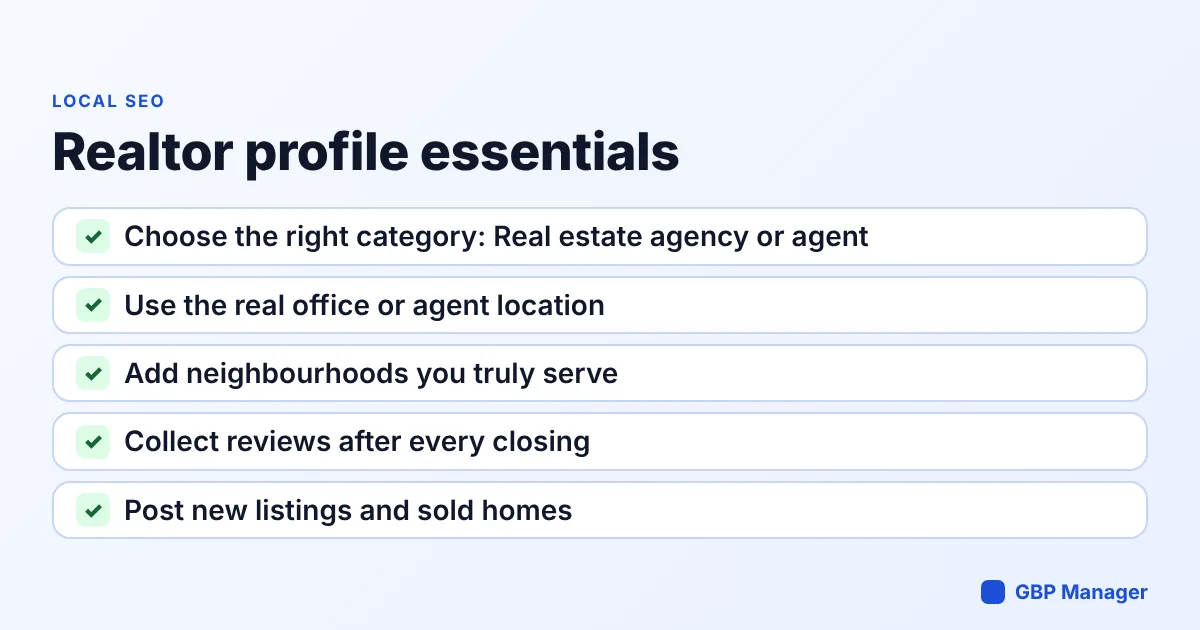
Quick answer: Create one profile for your office, and individual agents may have their own only if they meet Google's rules (public-facing, customers can meet them in person, and a separate practice). Choose the category that fits (such as Real estate agency or Real estate agent), use a real address, list the neighbourhoods you serve, collect reviews after every closing and post new listings and results.
Office or individual?
Google's guidelines allow individual practitioners, such as agents, to have a profile if they are public-facing and customers meet them at the location. A brokerage with several agents commonly has an office profile and each agent may have their own if they follow the rules. Do not make several profiles for the same agent. Do not create one for a team name that is not a real business. See duplicate profiles.
If you are unsure, check the current Google Business Profile guidelines, since rules for practitioners are specific and can change.
Category
- Primary: the one that best matches (for example, a real estate agency or agent).
- Secondary: add related ones only if true, such as property management or commercial real estate agency, if you offer those.
Address and service area
Use your office address. If you work from home and meet clients elsewhere, you may hide the address and list service areas. Use real neighbourhoods and towns you work in, a limited number, rather than a whole state. Avoid virtual offices. See virtual office addresses.
Services and description
- List services: buyer representation, seller representation, valuations, rentals, relocation.
- Write a description with your area, specialties and track record, in plain language.
- Mention languages, if relevant.
See description and services.
Photos
- Headshot as your profile or team photo.
- Exterior of the office.
- Recent sales (with the seller's permission).
- You with clients at keys handover, if clients consent.
See photo guidelines.
Reviews
Reviews are the biggest trust signal for agents. Ask after closing, when emotion is highest, with a link and a short message. Mention the service ("helped us sell in three weeks"). See get more reviews. Follow local regulations about testimonials and do not offer incentives.
Posts
Use posts for new listings, open houses, market updates and sold homes. Keep wording honest and compliant with local advertising rules. See do posts help ranking.
Website
Create pages for each neighbourhood you serve and link the profile to your main site or a relevant landing page. Add UTM tags to see results. See UTM links.
Common mistakes
- Several agents sharing a profile.
- A neighbourhood list of 40 places.
- Using a listing portal's page as the website link.
- Reviews on a third-party site only.
Quick answers
Can each agent in my brokerage have a profile? Possibly, if they meet the rules.
Can I use a PO box? No.
Should I list sold homes? As posts, with permission and within regulations.
How do I rank for "realtor near me"? Relevance, distance and prominence. See how Google ranks.
Try it
Track your ranking for neighbourhood searches with GBP Manager.